Hybrid Touch

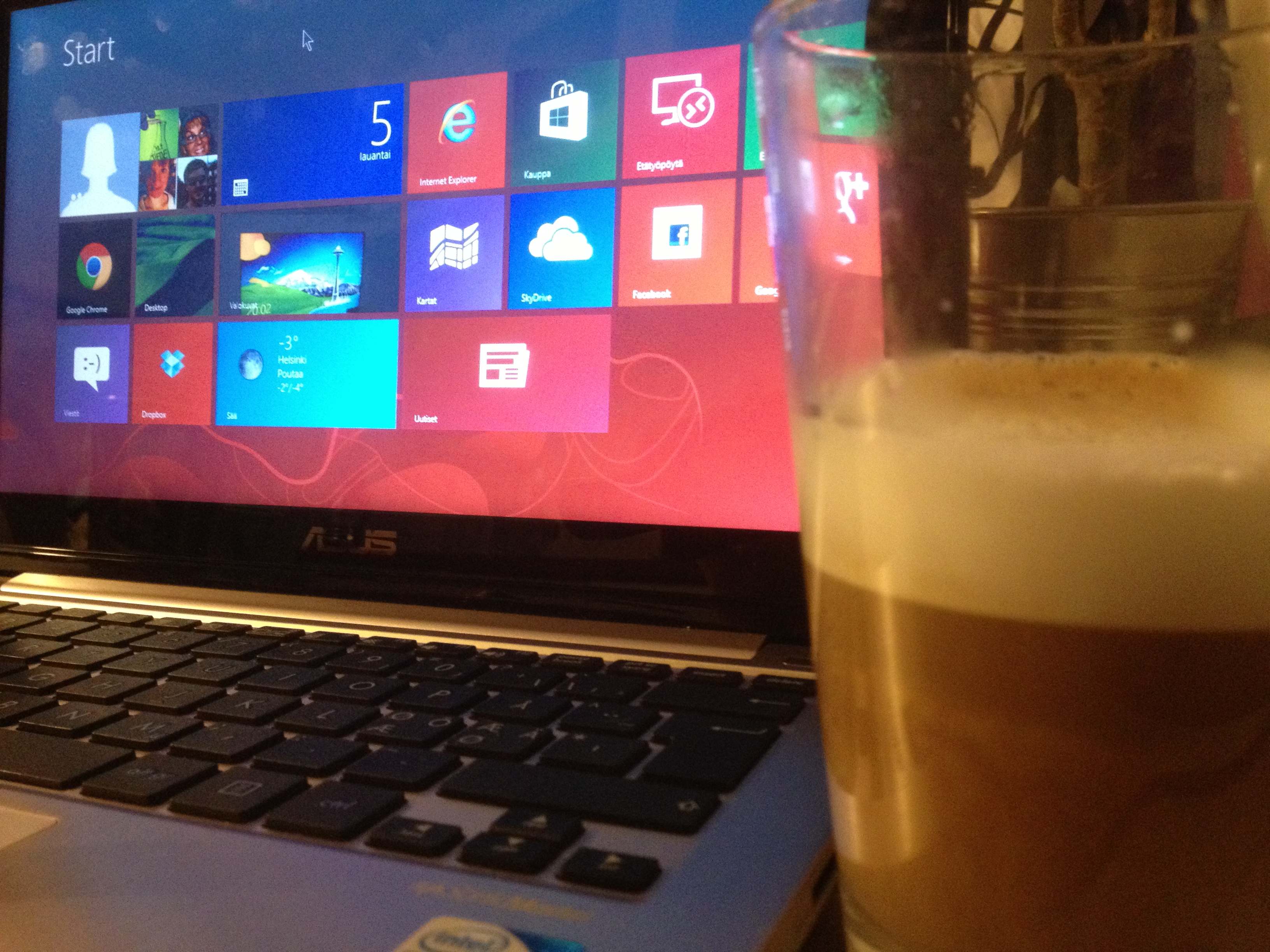
ASUS Vivobook X202E (with a Chai Latte)

A new Windows laptop with a touch screen is an intriguing proposition. After a couple of days of playing around with my new ASUS Vivobook X202E, I am pretty convinced: there are few obvious challenges, but apart from those, this is clearly the direction our media and information use will be heading in the future.

It is not only about having screen and keyboard and a touchpad as alternative ways of interacting with the same old windows, settings, applications and services. The increased freedom in interaction modalities feels liberating, and having the new (“Metro”) interface and the classic desktop both available is also contributing to the feeling that using a computer is now fundamentally altered. The touch screen is probably just an intermediate step; there are already some systems that come with pattern and movement recognition software that will recognize gestures, and when we are in the millimeter class of precision (see: https://leapmotion.com/), there is nothing stopping developers from coming up with games and utilities that will react to a blink of an eye or wrinkle on a brow. Gestures will feel unnatural in some situations, spoken commands in some others, like mouse, keyboard or touch screen all have their non-optimal use contexts — but all together, all these increasing alteratives will make it more free and more natural to do what we want to do, where-ever we want to do that.

The hybrid interface of Windows 8 is an obvious work-in-progress thing. Sometimes you click something in the Metro tiles and are suddenly taken to the traditional desktop app. Sometimes you will find a Metro-looking UI element stuck in the middle of traditional Windows stuff. It is confusing, to say the least. But I find it exhilarating: finally we have something interesting happening, something new. And it is not obvious what the right solutions to these multiple challenges and problems (of interacting with a plethora of different functionalities, applications and services with multiple different interaction techniques) will be. So: there is going to be interesting times ahead! Already it puts a smile to my face when with a flick of a finger I jump from blog writing to spreadsheet and then into Angry Birds Space, that works beautifully, like many other touch-enabled games that I tested from the Windows Store.

This ASUS laptop itself is also a sort of compromise. If a really optimal, top-of-the-line ultrabook with a fast SSD, touch screen and all the latest bells and whistles costs here perhaps around 1200 euros, this thing was only half of that. The 11,6″ touch screen is fine for me: it is bright, sharp and responsive, even while there is light leaking through from the corners and viewing angles are far from perfect. The processor could be speedier, there could be more memory (there is 4 GB), and the keyboard definitely would profit from backlit keys, but I am not complaining too much. The battery is too small to keep up on the road (it goes for maybe 3-4 hours and cannot be replaced by user), but I will be using this thing in home. The hard drive is larger than your typical SSD (320 GB nominal capacity, divided into two logical drives), but it is of course slower (and makes a bit of noise now and then) as compared to a solid state disk. So, there is one potential upgrade target, if wanted. But reinstalling the OS (and paying for a new licence key, as the preinstalled OEM Windows 8 does not come with a valid, user-accessible product key), all the drivers and all the applications — plus rehearsing all those tweaks and modifications to the OS I have done already — all of that feels too much hassle right now. ASUS has done admirable job in preparing so nice a package to the market in this price. Mechanical construction is solid, keyboard is very good, touchpad also ok, and it is easy to compare this e.g. to Macbook Air, even while I personally would not want to move into using the Mac OS. So, to conclude: small laptop that feels just right for me, right now. An interesting learning and testing environment.

Lukemisen tavat

The interesting new book, Lukemisen tavat – lukeminen sosiaalisen median aikakaudella – has come out; good new data and readings about the changing character of reading. You can download the book free as a PDF from: http://tampub.uta.fi/handle/10024/66381.

20130102-181212.jpg

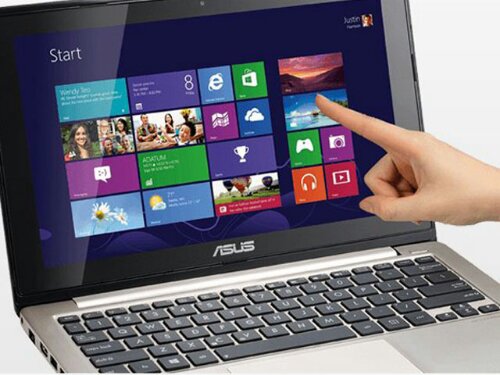
Windows 8 is for touch (Vivobook X202E)

I just placed an order for Asus Vivobook X202E – a small and affordable, touchscreen-enabled Windows 8 mini-laptop. This will be an upgrade to the Samsung N220 netbook I got in March 2010. Windows 8 does not make much sense without touchscreen, and it’s success will be related to how fast people will move to hybrid, touch-enabled paradigm. Working (at home) with the Vivobook should provide opportunity for some experimentation. Its battery is not good enough for serious on-the-road use, but for home it should be ok, we will see…

X202E is not a high-end device, but if you update the touchpad driver and do a few other tweaks, it should be enough for most things. There are good tips in the Amazon.com reviews: http://www.amazon.com/VivoBook-X202E-DH31T-11-6-Inch-Touch-Laptop/product-reviews/B009F1I1C4/

image

Rapid Wake in Vaio Z

To say something positive for a change, the single feature that really has impressed me in the new Vaio Z is how fast it wakes up from the sleep mode. Sony advertises this “Rapid Wake + Eco” functionality as an environmental issue (I think it functions like the regular Hibernate function), and the advertised 2 second wake up time really feels to be true. More: http://www.sony.net/SonyInfo/csr/SonyEnvironment/products/lineup/VAIO-Z.html

Sony video ad about the Rapid Wake:

http://youtu.be/4NQZOxEJbDo

XBMC in Raspberry Pi

Raspberry Pi
Raspberry Pi

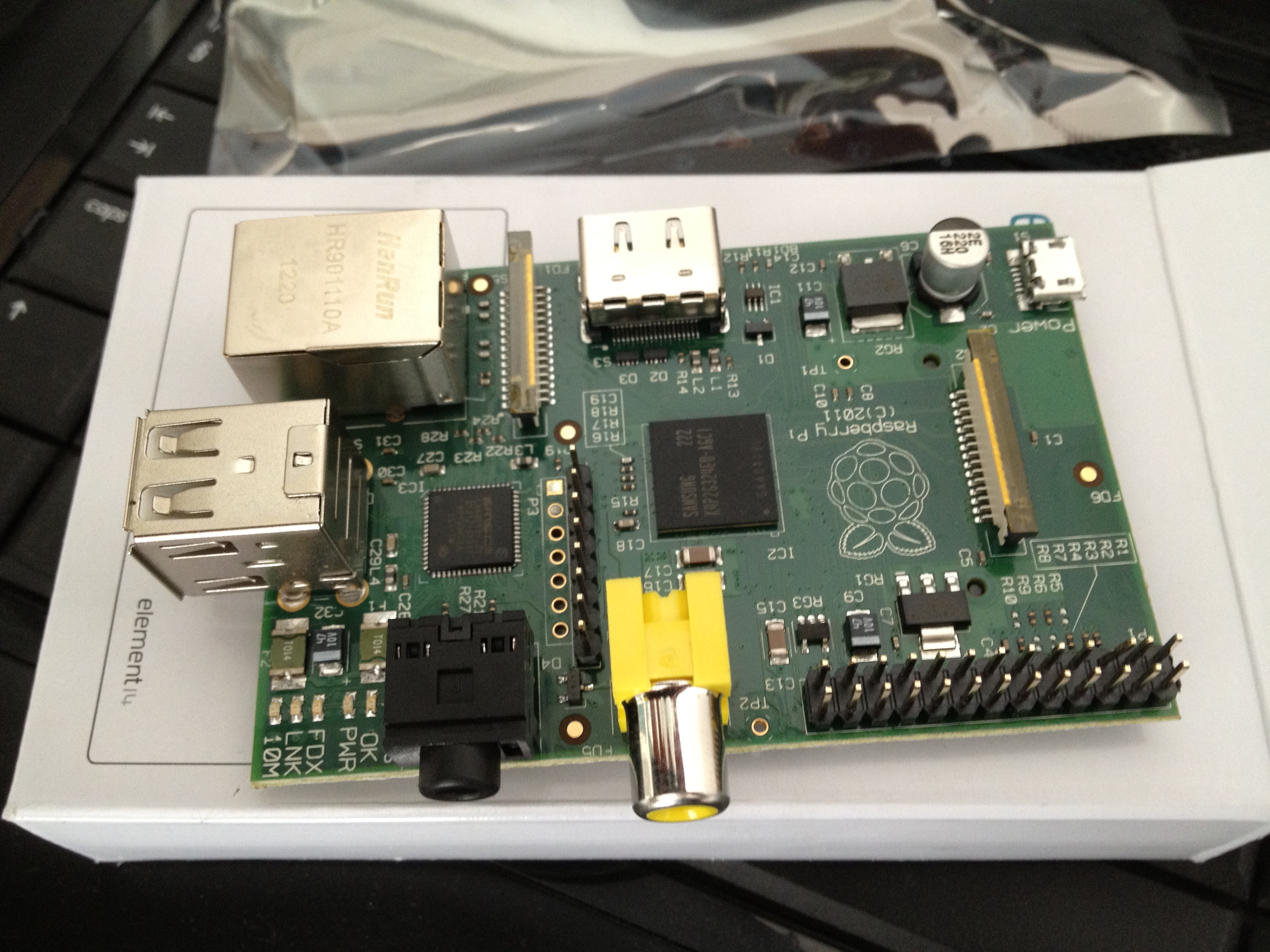
My Raspberry Pi had arrived while I was at the Microsoft Research Faculty Summit, and I got finally some hours to test drive it. As far as contemporary PC hardware goes, RPi is of course seriously underpowered little plaything. On the other hand, when you compare it with to some other devices (like smartphones, embedded systems), it does not look so bad. The principal reason for its development should also be taken into account (promoting computer literacy, encouraging tinkering with hardware and software tools, helping kids learn to code). I have been looking for some time for an affordable and functional HTPC system for serving media in our living room, and thus my first test drive involved setting up RPi as a media center PC. The Raspian “wheezy” distro that they recommend on the Raspberry Pi Foundation website was too slow and unresponsive for my taste to do anything. I tried also Raspbmc version of XBMC media center, but I could not get it to install any addons at all. So finally I did find a place that instructed how to install OpenElec, an embedded operating system that has been built to run XBMC – from a Windows PC (http://www.squirrelhosting.co.uk/hosting-blog/hosting-blog-info.php?id=9). Now XBMC was getting online, updating itself and installing addons nicely. It also booted up decently in c. 20-40 seconds.

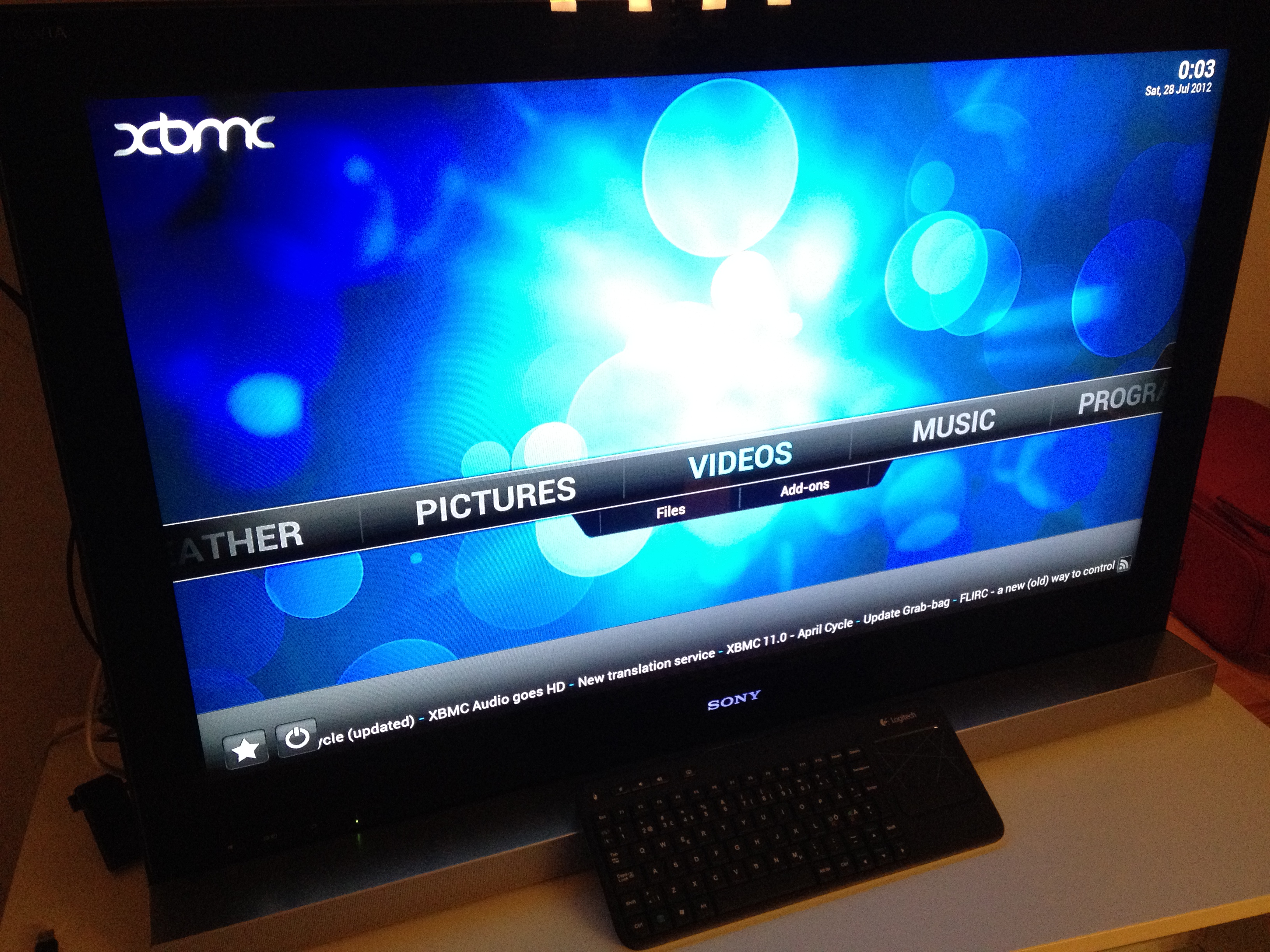
It turned out that the major issue for me finally was a network infrastructure related one: we did not have a LAN socket in the corner where our TV set is situated. I tried to learn about WiFi USB dongles that could run out of the box, plug-and-play style with the OpenElec/XBMC, but it would had been necessary to know the exact version of chipset and firmware to make sure whether the USB dongle in question would work, so I decided to stay with the wired Internet/Ethernet connection instead, and added another layer to the (rather instesting) network topology of our home by setting up a Powerline Ethernet bridge (using two Zyxel PLA4215 units). While I was at it, I also got a powered USB 2.0 hub (a basic Belkin thing) and wireless keyboard-touchpad combo for comfortable sofa-based media surfing. The latter was a Logitech Wireless Touch Keyboard K400, which is a rattling, plastic thing, but has two important benefits for me: (a) it is cheap, (b) it has an inconspicuous power switch hidden on the side. Anyone with one or two (or, indeed, three) hyperactive toddlers in the house can witness why these are good things. I have already e.g. a broken Logitech diNovo Edge lying around somewhere. Surprisingly, everything seemed to work after a couple of system reboots.

As to the actual use of the OpenElec/XBMC/Raspberry Pi system, I have not yet much experience to share. I can say that the software is still buggy and occasionally rather slow. It is difficult to say what the system is doing when the playback or a menu does not open immediately, whether it is buffering data or whatever is going on. Attempting to stop the playback of a HD video file can suddenly jam the whole system to a complete halt. But yes, I can play music, videos and watch photos in a full HD screen from multiple sources, from both local network and from various online services in a more or less satisfactory manner. There seems to be much potential and room to explore further in this surprising little system. One can only hope that the energy of the community does not die out, but the development of software continues far beyond this early stage. It is, after all, really early in the evolution of Raspberry Pi ecosystem, as some developers have not yet even received the unit they are waiting for. Much of the OS distributions and applications are thus more at ‘alpha’ rather than even ‘beta’ stage at this point. But taken that, this is really entertaining little playground to experiment with, and to fool around.

OpenElec XBMC running on Raspberry Pi HTPC

Serious Surfaces, Playful Services

MS Surface

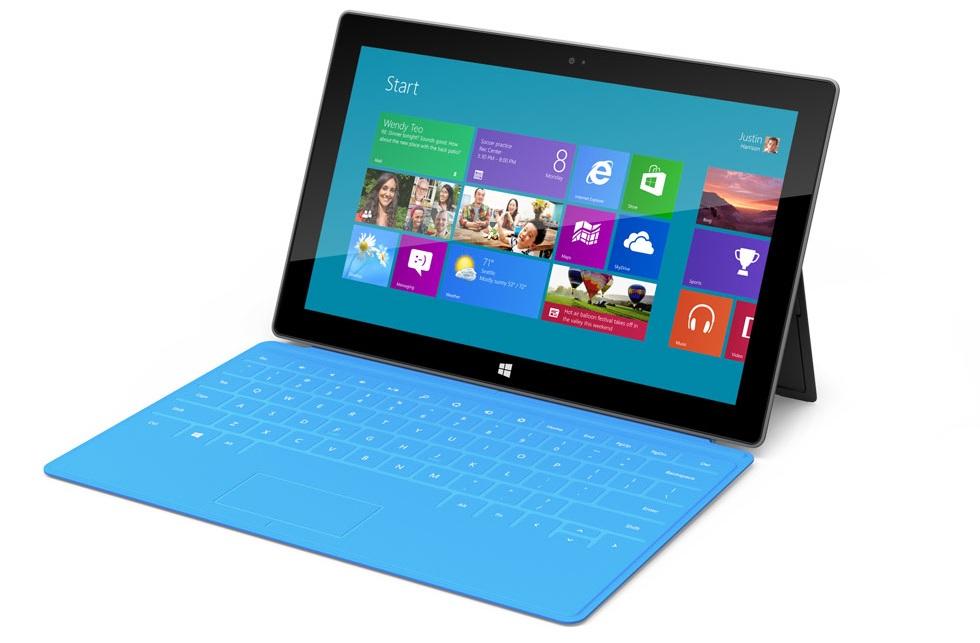
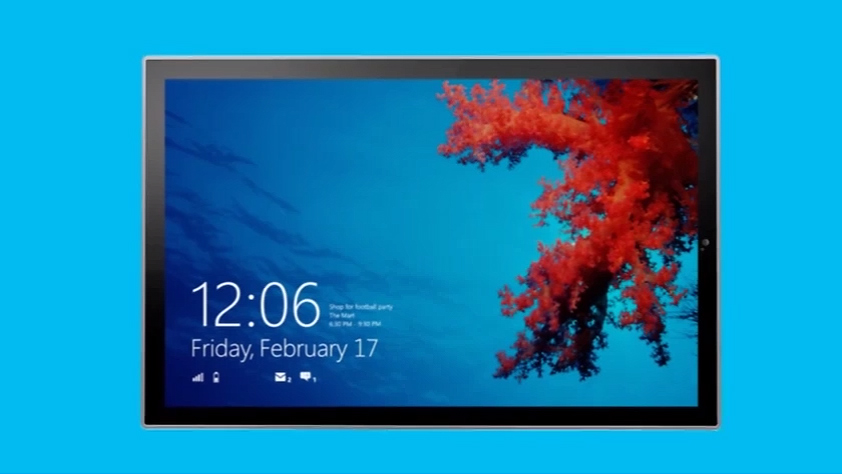
The Microsoft tablet announcement was welcome news on multiple levels. First of all, it is good to have some real competition in the future of touch oriented, mobile computing and communication devices. Apple has been dominating the field with their iPhone and iPad line of iOS devices and the Android camp, for example, has appeared to be unable to produce anything that goes beyond (or even reaches) the level of user experience and design perfection Apple has been able to achieve. It is probably necessary to have a unified vision of both software and hardware design principles to achieve real reference at this point. Now we seem to have two companies, Apple and Microsoft, that have reached that level, and the third one, Google, is forced to add the stakes, if they want to keep on the race.

Secondly, while I am an admirer and daily user of devices that belong to the Apple ecosystem (this note is written in iPad 2, using a Logitech keyboard case), they also have their shortcomings. The Apple world is very closed one: it is close to impossible to tweak the operation of software, examine the file system or make adjustments to the operating system without resorting to a cumbersome “jailbreak”. There are millions of users who are happy the way things are, of course, but if you want to seriously employ tablets, smartphones and computers in your daily work, such extra closed walls are frankly just unacceptable. Microsoft Surface tablets are part of the Windows 8 ecosystem and while I have my doubts about the hybrid Win8 interface on a traditional PC, it is clearly primarily designed for the next generation of hardware such as Surface Pro. There is some work that still needs to be done with a full desktop computer with very precise mouse and full keyboard, but it is getting more rare by the day.

My two key question marks: the first one is related to the quality of user experience, keyboard case and battery life: whether these tablets actually reach to the level where they seriously challenge ultrabook laptop computers, for example, as they appear to be priced at the ultrabook price range. The second question mark is the app ecosystem. You need to have different versions of the software for the ARM based tablet and for the Intel based one. Will the quality and diversity of applications and services be able to challenge those of Apple or Google? Time will tell. But it is good to have some options as we are moving to the world dominated by cloud computing, software as services, pervasive play and mobile computing.

Peliväkivalta-haastattelu

[In Finnish, about games and violence debate:] Viime päivien surulliset tapahtumat ovat jälleen nostaneet pelien ja väkivallantekojen mahdollisen yhteyden esiin. Tiedotusvälineet ovat uutisoineet aiheesta eri tavoin ja olen pyydettäessä osallistunut keskusteluun. Tässä on linkki YLE Hämeen juttuun, joka on otsikoitu “Ruokkiiko väkivaltapeli tosielämän väkivaltaa?” ja jossa yritän nostaa esiin muutamia juonteita tästä monisäikeisestä aihepiiristä.

Professori Frans Mäyrä ei lainkaan hämmästy, että suomalaisten väkivaltaisia rikoksia tehneiden ja aseisiin tarttuneiden nuorten miesten taustalta löytyy tietokonepeliharrastaus. Syynä on yksinkertaisesti se, että tuon ikäryhmän nuorista miehistä lähes kaikki pelaavat. Hän olisi enemmän huolissaan niiden nuorten riskeistä, jotka eivät esim. syrjäytymisen takia pelaa lainkaan.

Hän myös myöntää, että ampumistapausten ja väkivaltaisten pelien välillä on kytkentä. Mutta ei niin että pelaaminen johtaa väkivaltaan, vaan enemmänkin siten, että aseista ja sodasta kiinnostuneet nuoret miehet valitsevat realistisia, dramaattisia ja väkivaltaisia pelejä, kuten muitakin median muotoja, vaikkapa filmejä tai sarjakuvia.

http://yle.fi/uutiset/ruokkiiko_vakivaltapeli_tosielaman_vakivaltaa/6139532

ITK 2012 keynote (video)

Videotallenne ITK 2012 -konferenssin keynote-luennosta (The video of my keynote in ITK 2012, in Finnish):
http://bambuser.com/v/2570591

Installing Windows 8 Consumer Preview

Windows 8It seems a beta version is “Consumer Preview” these days, well that is just fine for me. I installed the new pre-release version of Windows 8 to an extra partition in my workstation last night, and a couple of notes:

  • I ran into problem that appeared to be related to BIOS settings. The error code was “Windows cannot install required files. The file may be corrupt or missing. Make sure all required files for installation are available and restart the installation. Error code 0x80070570.” Actually, what you needed to do was downgrade the SATA settings in the BIOS from “AHCI” to “IDE” (may also appear as “ATA”) to get the installation running.
  • Also, the new graphical boot loader of Windows 8 may not play nice with your graphics card. It took me some trial and error to find out that the bootloader insisted on giving the graphics output only through the DVI adapter of the motherboard, not from the graphics card. And, on the other hand, when the Windows 8 booted for the first time, the image could only be found through the HDMI connector in the graphics card, not from the motherboard DVI. Some tweaking may thus be in order.

The new OS itself looks promising — it makes good use of usability and user experience innovations that are coming from mobile devices and Metro UI of Windows Phone 7 OS. The downside of backwards compatibility is that since there are effectively two versions — touch oriented Metro, and traditional Desktop one — of most features and tools in the OS, things can get somewhat confusing. It will be interesting to see how things will look like in about a year, after some new, touch-enabled PC hardware have come out. There are nice videos, and the download area available at the Microsoft site here: http://windows.microsoft.com/fi-FI/windows-8/consumer-preview

Privacy policy of this site

Wordpress logoI think it is always nice to know what is the privacy policy of the services you are using; particularly today, as new shadowy schemes of user tracking/selling of user information come to daylight all too often.

To the best of my knowledge, this website (www.fransmayra.fi) obeys the privacy policy of my service provider, which is WordPress.com and Automattic as the operating company. The basis is that in this kind of blog site one is subject to anonymous/non-personally-identifying tracking, meaning becoming a number in the usage statistics. On the other hand, if you are a registered WordPress user, you might also be interested in the clause that mentions that WordPress/Automattic may release personally identifying information about your site usage, if it receives “governmental request”. On (yet) another hand, Automattic promises that it “will not rent or sell potentially personally-identifying and personally-identifying information to anyone”.

Just so that you know.

See: http://automattic.com/privacy/ .