Sony RX100: pocket, meet camera

Photography is an interesting thing – many interesting things. Take cameras, for example. For some people, cameras and lenses appear to mean perhaps more than the actual photographs they are supposed to use those equipment for. The global growth of revenue from digital camera industry continues its upwards trend, and by some estimates is expected to reach $46 billion by 2017. There are cameras for multiple uses, and the strengths of one system in one context turn into weaknesses in another. Compare DSLR “systems camera” to a cameraphone (or smartphone), for example: the versatility provided by multiple, interchangeable lenses combined to large image sensor and powerful image processing is unbeatable when the pure technical side of photography as a form of expression is being considered. On the other hand, in everyday daily lives, few people go about hauling their professional DSLR system everywhere. Having a good camera integrated into the mobile phone is your best bet to have camera at hand when the spontaneus opportunity for an interesting photo presents itself. Though, the limitations of small lens and small image sensor inevitably set its limits to what one can achieve with a smartphone camera.

I am going to experiment next by acquiring a compact, “pocket camera” that hopefully would be small enough to actually be feasible to carry around daily in my overcoat pocket, while also having better optics and more versatile feature set than a smartphone camera.

My choice (balancing budget and wish list) concluded into Sony Cyber-shot DSC-RX100 model. This is a compact camera that was introduced already in summer 2012, and there are already several more feature-rich, upgraded versions of RX100 available (Mark II, III, and now also IV, released in summer 2015). My priority here though was to focus on the essential aspects of solid optics combined with decent image sensor and build quality, and the original RX100 ranks high in that department, and the price is pretty competitive by now.

There are few things that smartphone cameras do really well, and extensive app ecosystem, strong computing power in compact form factor and excellent touch screen interfaces are among the key such elements. If the lens and sensor are priority in a compact camera, to get that high quality shot, and you are carrying a powerful smartphone also with you everywhere, it does not make sense to try to duplicate smartphone functions in the camera itself. It is enough to be able to get the photo from camera to the smartphone, and then do the post-processing and possible social media sharing, or archiving from there (or, via a cloud service and/or a PC, for that matter). RX100 does not have a built-in WiFi or other wireless functions, so I have now equipped my new Sony with the Eye-Fi Mobi Pro 32 GB SD memory card, which has the WiFi, and can connect to e.g. iPhone Eye-Fi Mobi app, where from you can take the editing and sharing business as far as you want.

I also invested to some other small add-ons: the official camera LCD screen protector (PCK-LM15) and the Sony AG-R2 Attachment Grip. The latter affects the slim, flat design of RX100 a bit, but is really good for getting reliable hold of the camera so that you can confidently work through multiple positions, without fear of dropping the camera.

RX100 is one of the most popular cameras in the relatively new “enthusiast compact” category, that I guess emerged out of Darwinian adaptation process, where mobile phones took over most of the “snapshot” market, and the compact camera manufacturers were forced to evolve and differentiate their offerings from the most basic and casual photography needs. The manual of RX100 is a rather thick volume, so it has fair number of various options and functions, and this camera has also a rather large, one-inch image sensor (of 20 megapixels), a Carl Zeiss Vario-Sonnar T lens (28-100mm equiv., f/1.8-4.9), image stabilization, automatic face recognition, customizable controls and the ability to shoot recording RAW images – something that the more professional (or nerdy) photo tweakers can value.

It is still too early to say whether the idea of having a daily pocket camera available actually makes any real sense, so that the extra 240 grams of weight in my jacket pocket really pays off. But I guess that in those conference trip breaks this would allow one to jump on and off the “tourist mode” with a bit more expressive range available than just a mobile phone camera would allow. We will see.

Gestures and multi-touch: Logitech T650

As operating systems evolve, so do the ways of interacting with them. While older laptops might have still the processing power or even the disk space to run e.g. Win8 or Win10, it is often in the control, or human interface hardware where the support is lacking. Adding an external keyboard and touchpad might be a way to give some extra life to an older system, while the downside of such “hybrid system” will unavoidably be that you’ll lose the simplicity of being able to just open the laptop cover and quickly start working. Setting up the external keyboard and external touchpad might make nevertheless sense for longer working sessions. In my case, I suffer from chronic carpal tunnel syndrome and simply cannot work with non-ergonomic mouses, keyboards or touchpads – and I regularly rotate and try all sorts of mouse replacements and other add-ons.

Logitech T650
Logitech T650.

My optimal system at the moment is based on some very nice gear Logitech has developed. Both on my Macbook Pro and Vaio Z3 I have now set up the illuminated bluetooth keyboard by Logitech: K810 model for Vaio, K811 for Mac. The key travel in either of these, otherwise pretty excellent PCs is just too shallow to allow for high-speed typing – at least for me, your mileage may vary. Logitech K810/K811 is so excellent piece of design and engineering, with such an outstanding typing experience, that I just cannot stop marvelling at it every day I use these things – and I have purchased several, despite the rather steep price. My lurking nightmare is that Logitech will some day cancel this product, or somehow alter and ruin the design and functionality – so I just might again go out and get a couple extra ones to my spare parts closet, just to be on the safe side.

While I really like the touchpads of Macbooks, the touch behaviour in Windows systems has been much more problematic. In modern Windows 10 systems the touchpads apparently are getting closer to the Mac standard, and there is also the additional interaction affordance of touch screen in many Win10 models (something that Apple has stayed away in their laptops, while the touch interface of iPads and iPhones is of course very good). I happen to like the combination of touch screen and mouse/touchpad – it feels natural to handle screen directly, and it is also good for ergonomics to change the manner of manipulation every now and then – even while if touch screen would be the only mouse replacement, it would not really work.

For older Windows 7 devices like my Vaio Z3 there is no luxury of truly working multitouch gestures or anything like that – the touchpad in this Vaio is small, cramped and operates so erratically that it can pretty much drive you crazy, particularly if you have used something like Macbook Pro, with a really good touchpad and multigesture OS X that supports it.

While originally purchased for my other, Windows 8.1 equipped home computer, I recently took the Logitech T650 external touchpad to work and tried setting it up with my Vaio. While the small “Unifying” connector now takes up one precious USB port (no bluetooth in T650), I was surprised how well this Logitech touchpad works with Windows 7. The newest version of Logitech’s SetPoint software works really well also under Windows 7, and the two-finger, three-finger and even four-finger gestures really transform the speed and ease of use for scrolling and handling many documents and different software running simultaneously in my Vaio. The operating system is originally not really optimised for this kind of use, and there is no e.g. “expose” style overview mode in Win7, but Logitech add-on software provides that feature, as well as several others. The main problem is that if you are constantly running from meeting room to another like I do, there is not really time to set up the laptop, set up the keyboard and touchpad, switch on all of them, make sure that they connect correctly (sometimes they do not – a reboot might be required); and then, at the end of meeting to switch off and repack all three things again – just to repeat everything at the next room. But I guess I’ll just need to live with that at the moment. The multitouch gestures and solid typing experience that Logitech provides are so much better than the alternatives.

Logitech T650 multitouch gestures
Logitech T650 multitouch gestures.

Building a greenhouse, pt. 6. Ready?

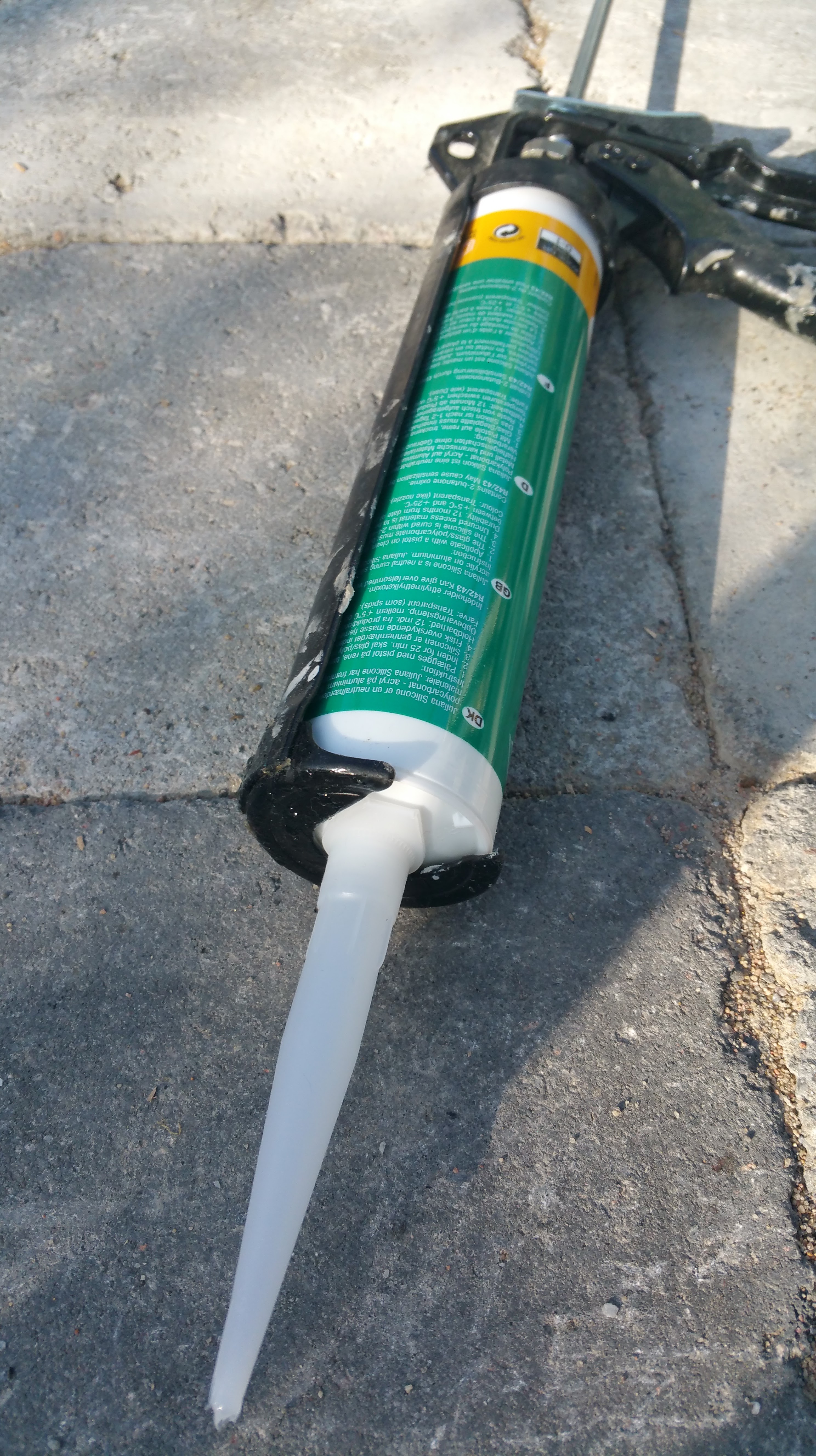
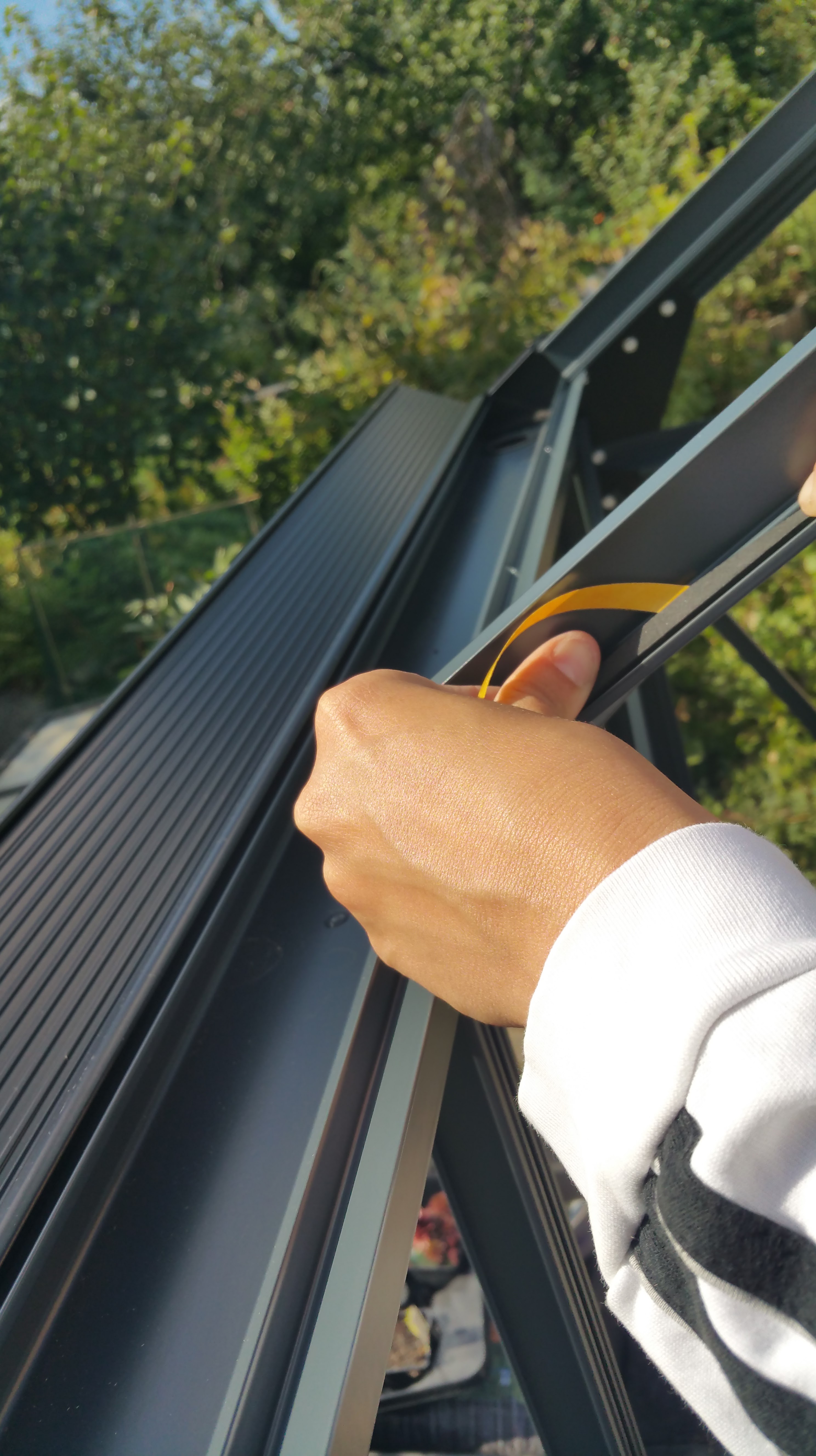
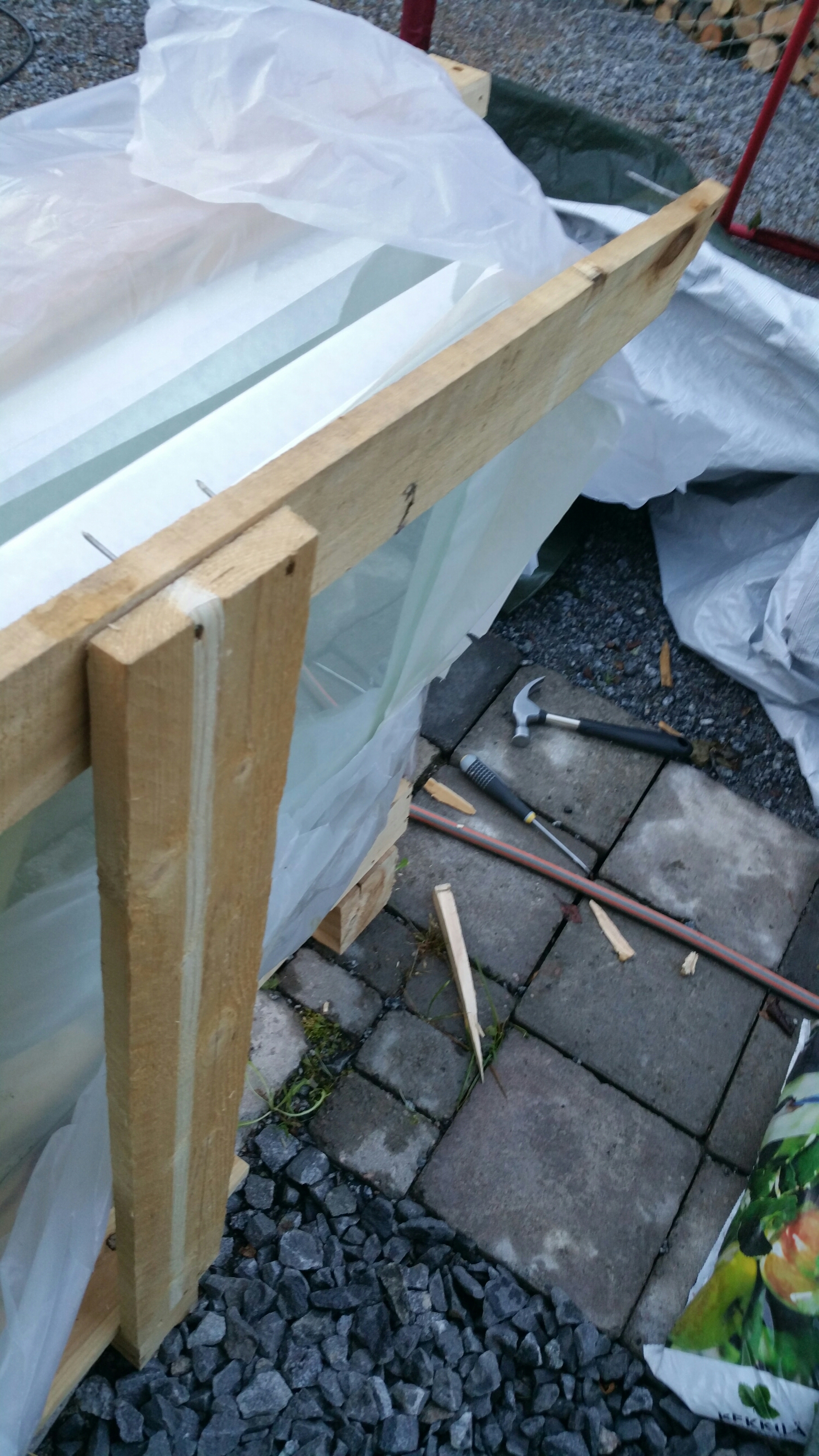
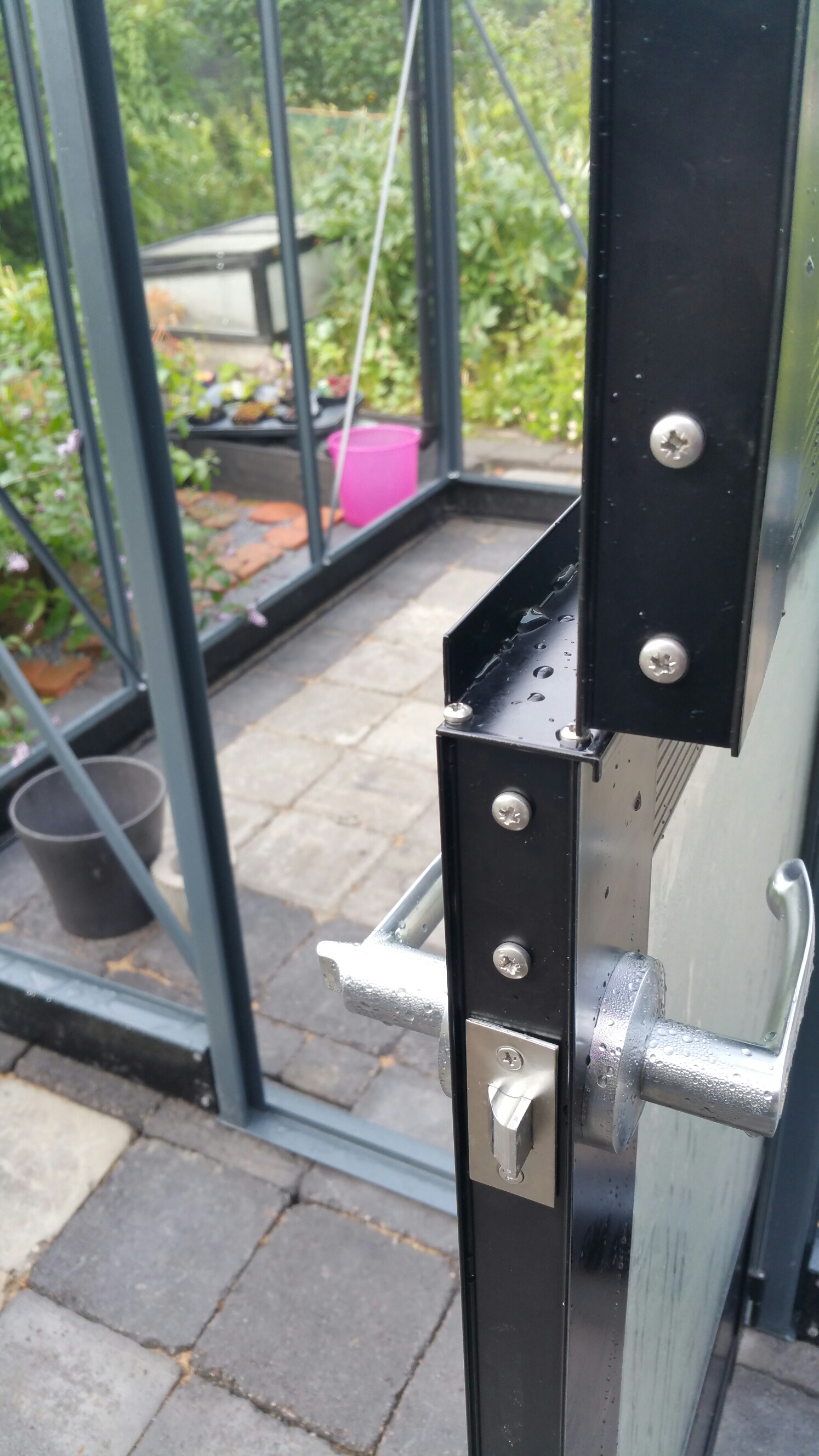
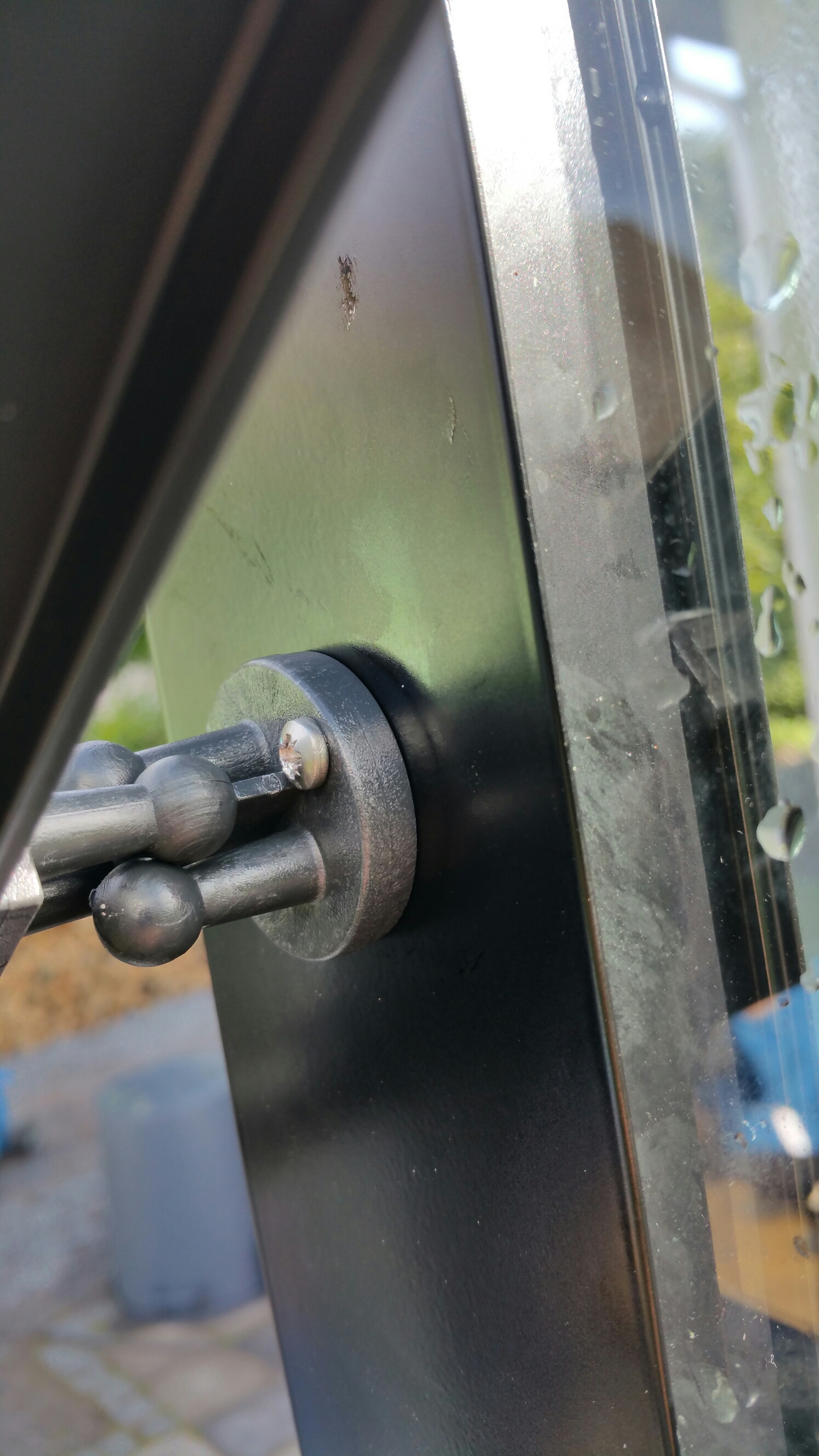
The final part of setting up the Juliana Compact greenhouse kit involved fitting and fixing the actual glass parts. This was pretty simple and straightforward in theory: if the base structure is correct in every regard, then one just needs to place the tempered glass pieces into the right holes at the aluminium frame and lock them into place. In practice this was not quite so easy, of course. The sealing of glass into the frame requires using either silicone gun or weatherstripping (stips of soft thermoplastic rubber) to provide an elastic base, and then applying the plastic lock strips (“M strips”) to lock glass sheets into place. (The lock strip plastic hardens in low temperatures, so this was a rush against time – setting sun and dropping temperatures would make the installation impossible.) We decided to use the weatherstripping option, which proved to be a good choice – even while the base and aluminium frame appeared to be pretty straight, there was still need to carefully move each sheet of glass several times during their installation attempts, and this would have been really difficult to do with messy silicone hardening and complicating things up. We decided also not to use acetone or any other strong solvent to clean the aluminium strips of grease, even while Juliana’s instructions told so (we were tipped by an expert that acetone actually ruins the cover paint from the frame, so using it would be a bad idea).

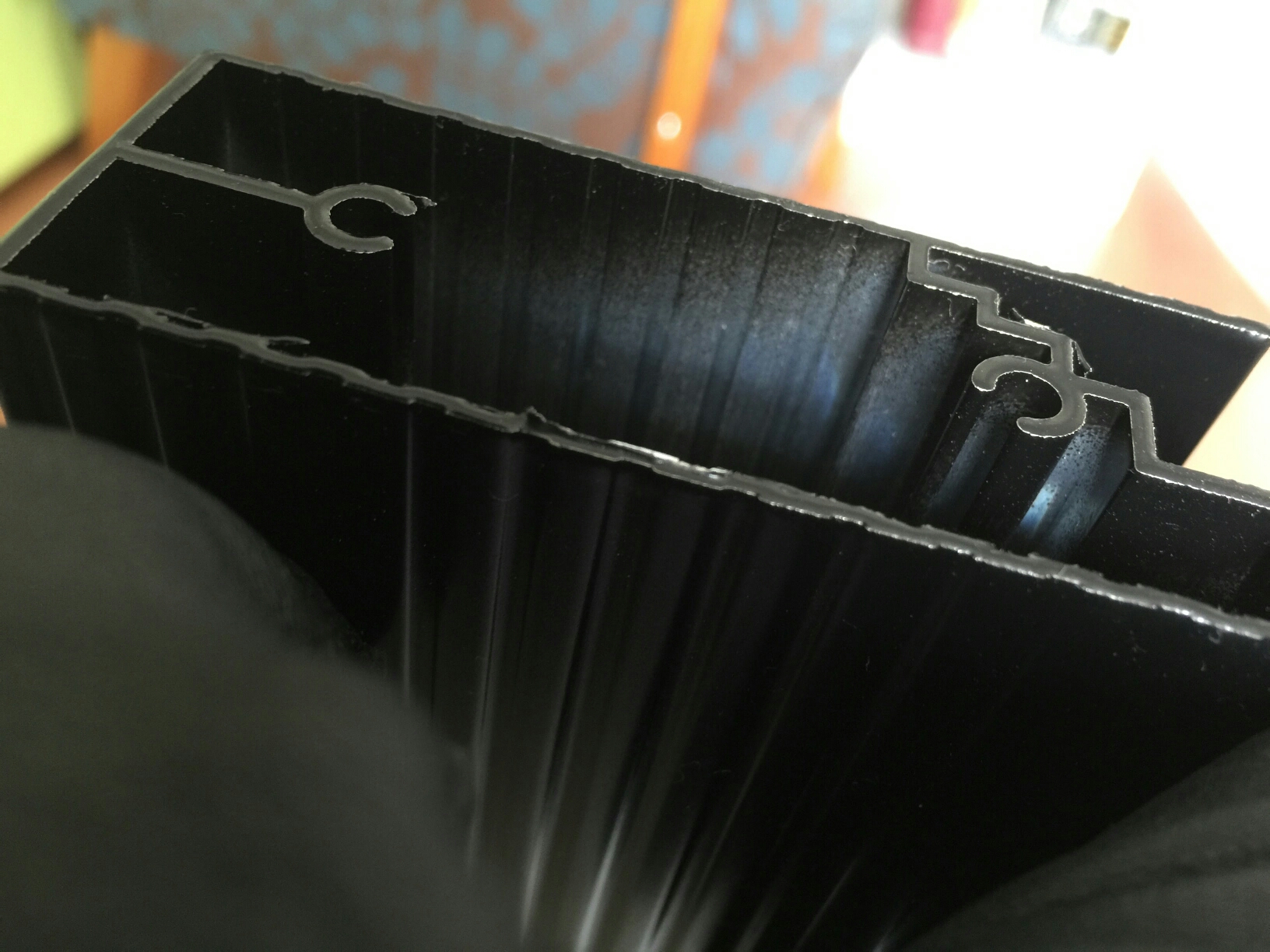
The need for repeated moving and fine-tuning of each glass related to the final precision test required by the Juliana kit: the “M strips” used for locking glasses need suitable, c. 1 mm insets or slots that go down all the way on both sides of each glass sheet, otherwise the M strips do not lock into place. That evenly distributed one millimeter tolerance proved to be rather tough challenge to reach. In our case we got majority of glass sheets installed with only moderate trouble, but in few, last glass installations we had to use tricks like matchsticks as holders that kept glass in place, while two persons – working in sync – both gently twisted and pressed powerfully inwards two M lock strips at both sides of a glass sheet, moving from top towards bottom at even pace, so that the 1 mm gap remained evenly distributed at both sides even while M stips tended to press and move glass sheets sideways. There is a picture below that hopefully illustrates this – there needs to be a suitable gap between the aluminium profile and the edge of glass sheet, while the glass sheet must rest on top of the weatherstipping, that is fixed very close to the inner edge of aluminium profile. At one point we were simultaneously fine-tuning three large sheets of glass, holding them with one hand in place, while pressing the M strips into place. And we did it!

There are so many pitfalls waiting in both printed instruction guidelines and online Juliana guides that it is perhaps surprising that people actually manage to put these things together, in more or less satisfactory manner. Apparently many customers actually end up either calling the importer for help, or order a professional to set things up. Which might be a good idea. But: if you do all this yourself, it will be a real-life 3D spatial and problem-solving challenge and a good way to spend several days (or: weeks) of your precious free time – so why not enjoy it?

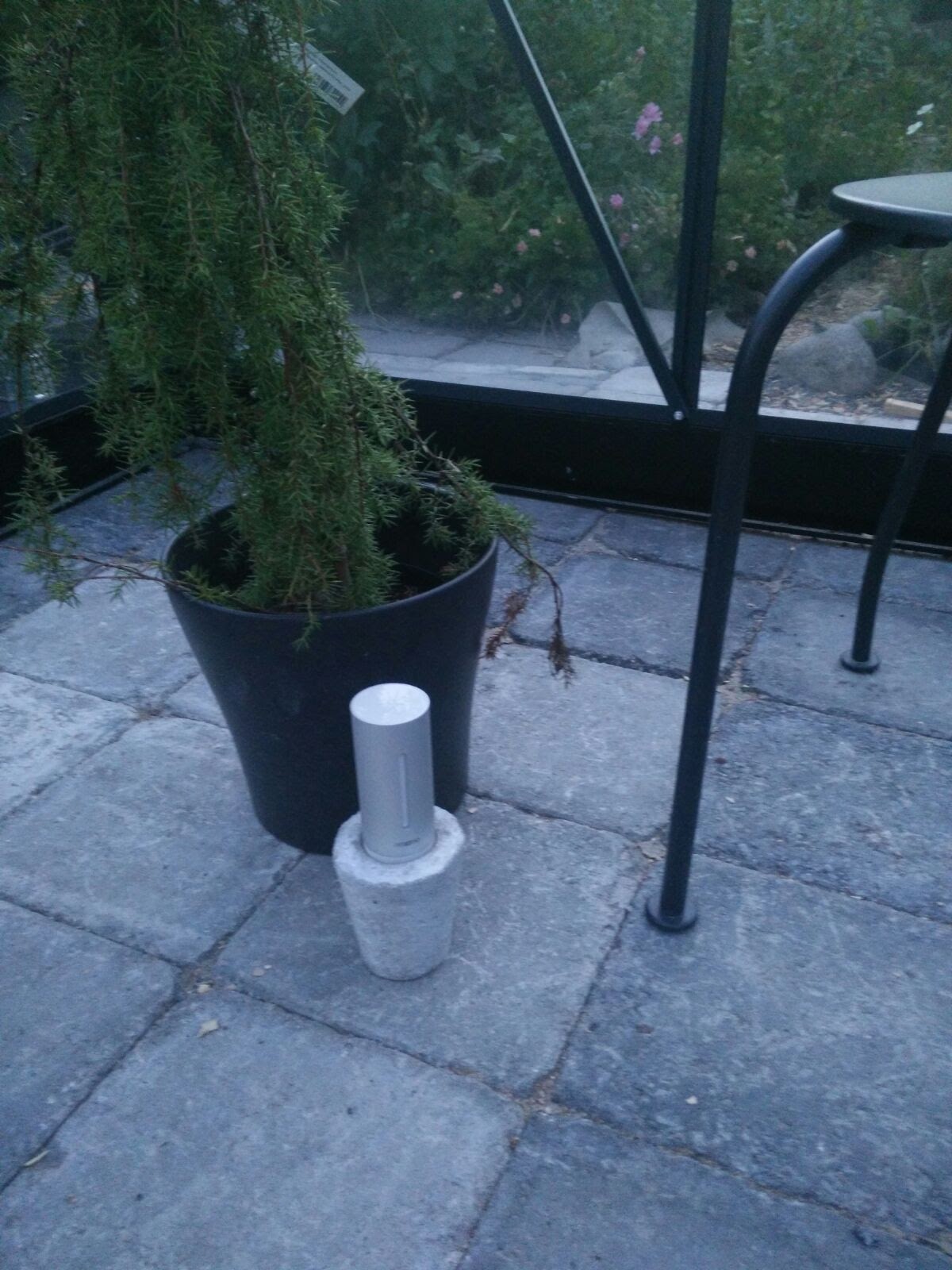
When the final sheet of glass was locked in place, it turned out that the door did not work properly any more (framework had tilted or shifted slightly during the glass installation, so that the door now slightly grinds against its frame when closed). But I do not care so much any more, no doubt we will find some solution to that also, eventually. I am already thinking of the next summer, and how to monitor temperature, humidity, and how to maintain the correct irrigation level in my chili pots. I have already the Blumat automatic watering system, and there is now also an extra wireless Netatmo sensor unit set up in the greenhouse for testing purposes, plus a solar cell powered led lights for some ambience and night time illumination of this “glass box”. – Thanks for reading, and I hope you have enjoyed your garden of summer, too!

20150912_162301

20150912_155711

20150912_153823

20150912_131936

20150912_131919

20150912_164850

20150912_180539

IMG_7204

IMG_7207

20150912_184705

20150912_190616

20150912_195023

20150912_205527

IMG_7209

Building a greenhouse, pt. 5

The actual greenhouse construction has been going on for some time now (myself again more in the assistant roles). I must admit that there are times when I am getting tired of the entire project, even if I am not even carrying the main burden. There are several issues in the Juliana greenhouse kit that make things more complex, confusing and difficult than they need to be. The instructions leaflet is one thing: it might be that all the aluminum parts are indeed painted black, but it is not optimal to print everything as black in the instructions with small details and bars with complex profiles. There is too much guesswork in the construction now. There are mysterious gaps in the instructions, where you just need to make a guess how to get from phase A to C,  and trial and error is not good in system that is put together with soft, aluminium nuts and bolts – fastening and loosening them just a couple of times can lead to threads of nuts breaking and bolts getting stuck. Also, if there is a gap between parts in one part of the aluminium framework, it is often very hard to figure out where the source of problem is, when there are dozens of parts that connect to each other like a giant ‘himmeli’. – But, we are making slow progress, pictures below.

image

image

image

image

image

image

image

image

image

image

image

image

image

image

image

image

image

Building a greenhouse, pt. 4

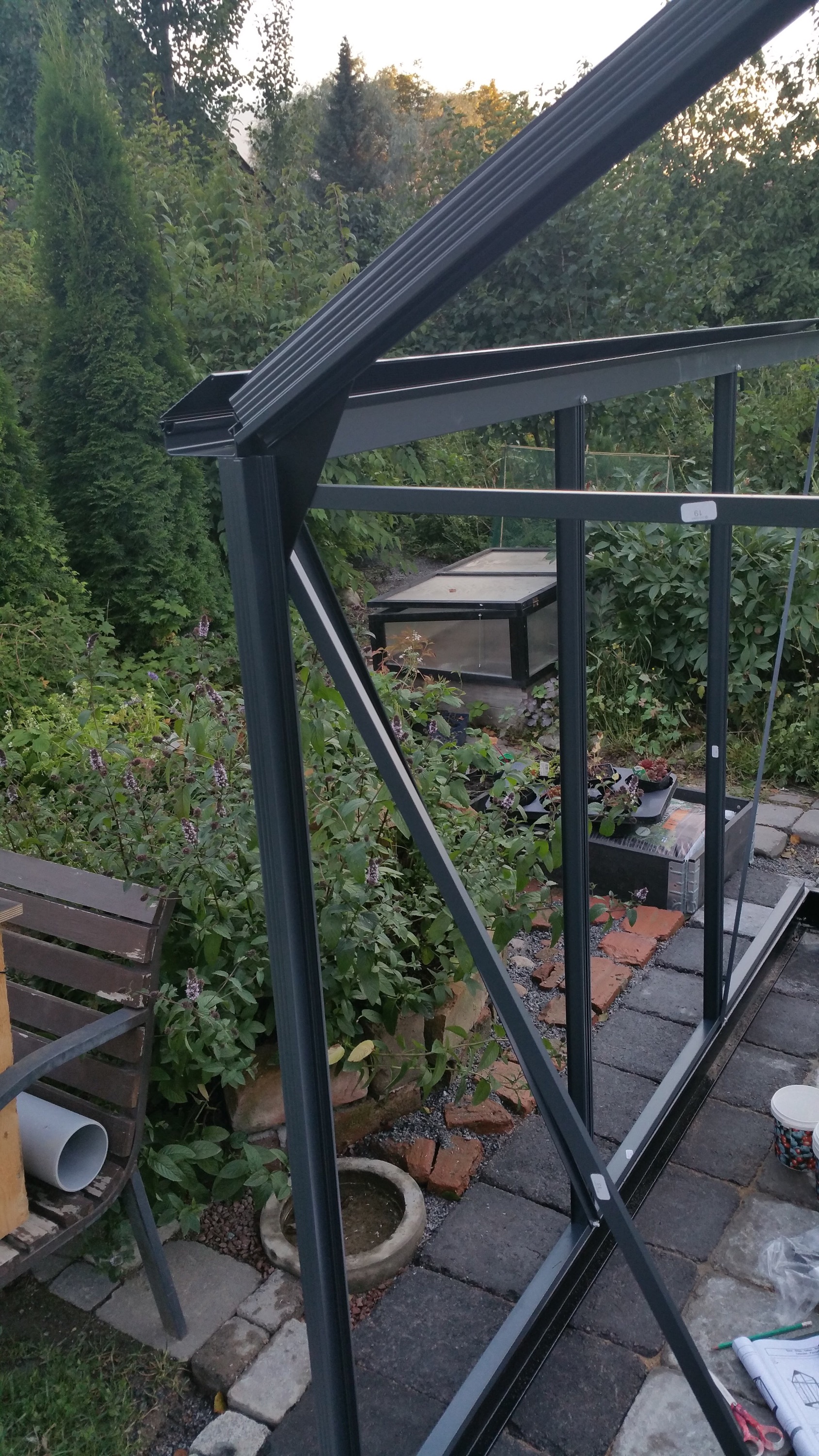
Today my role was more as an assistant – Laura is our resident IKEA construction expert, and even while there apparently was some unclear (or plain wrong) instructions in the Juliana guide sheet, the aluminium frame of our greenhouse was built in one day.


Building a greenhouse, pt. 3

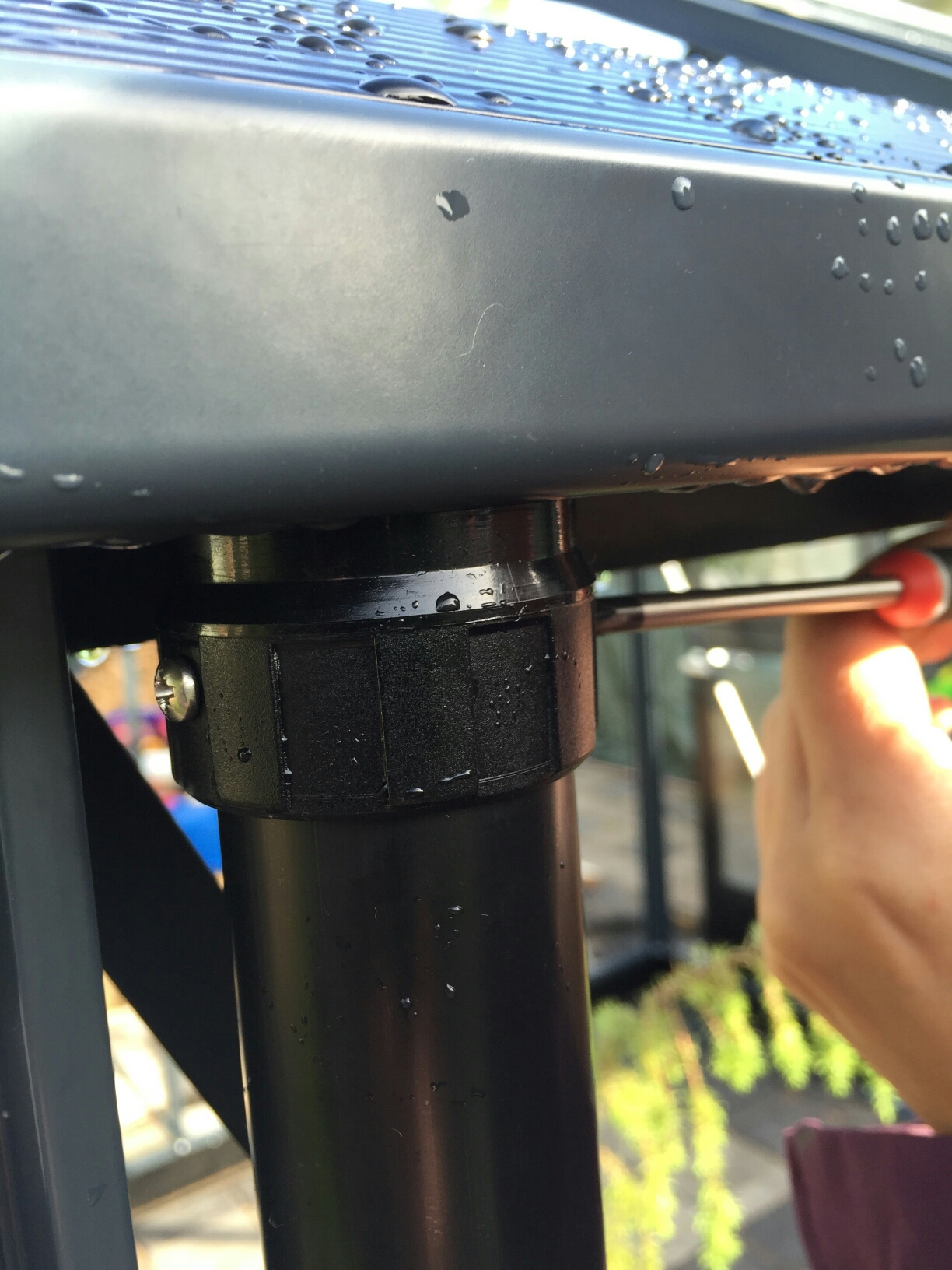
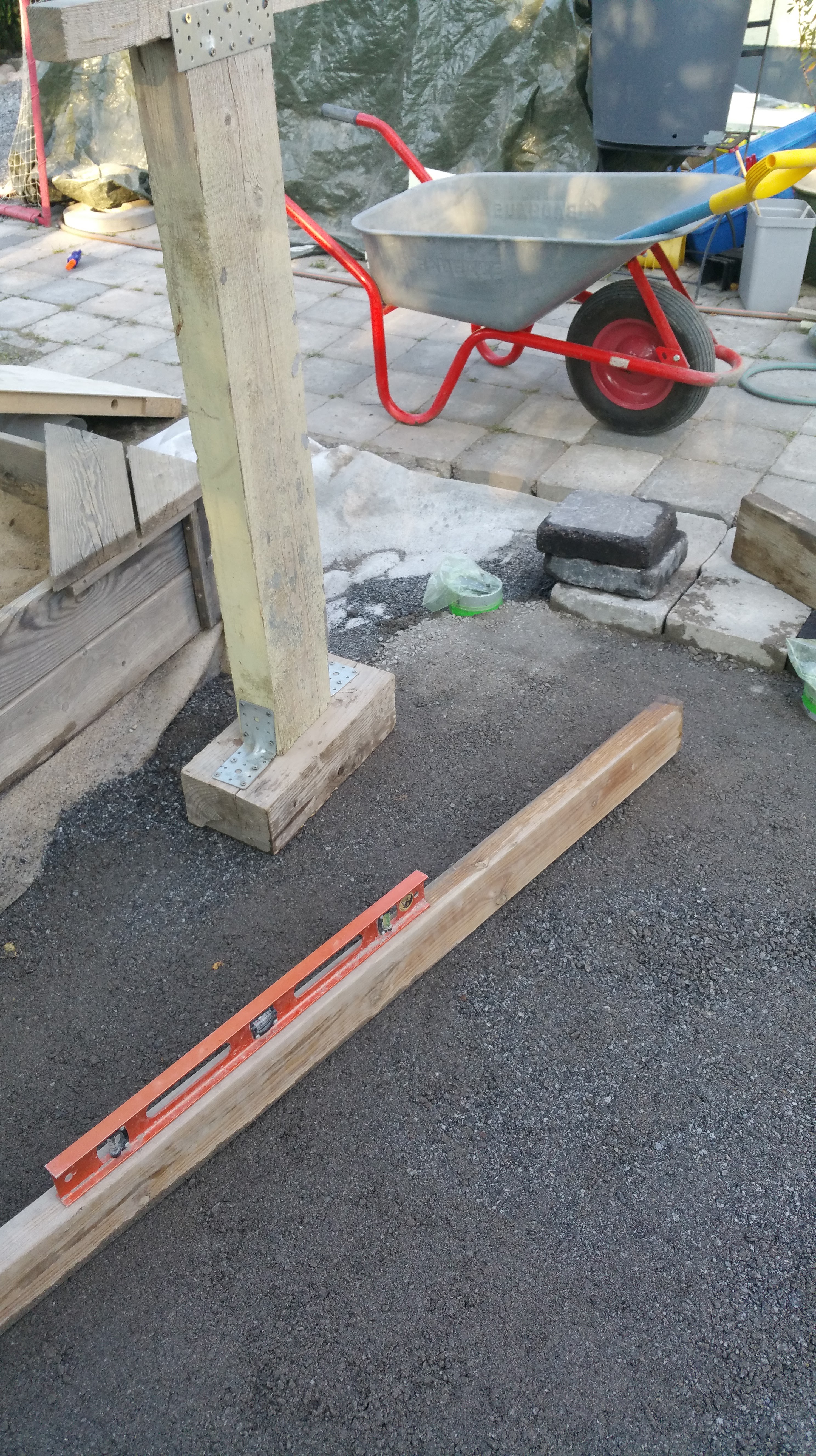
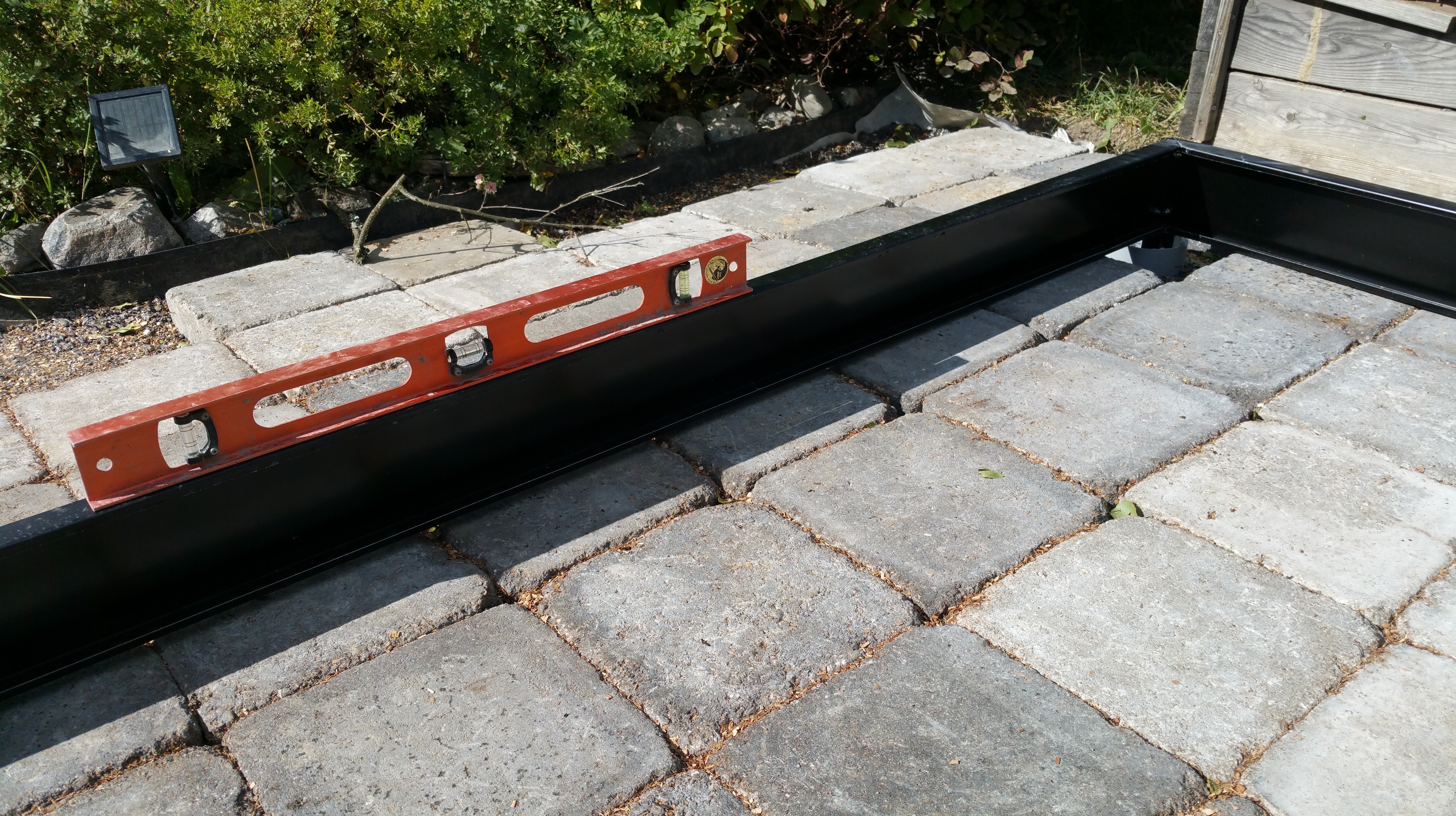
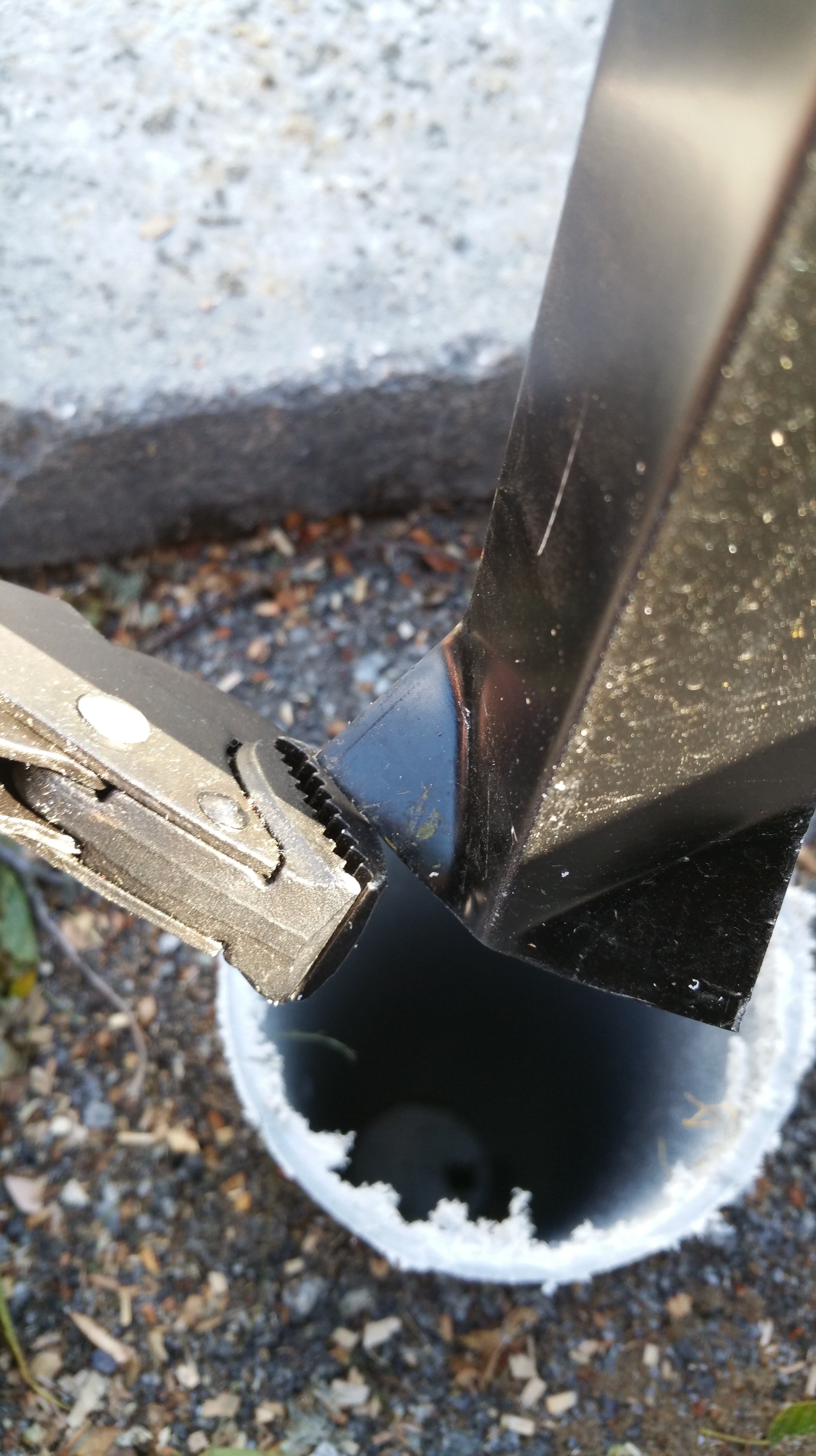
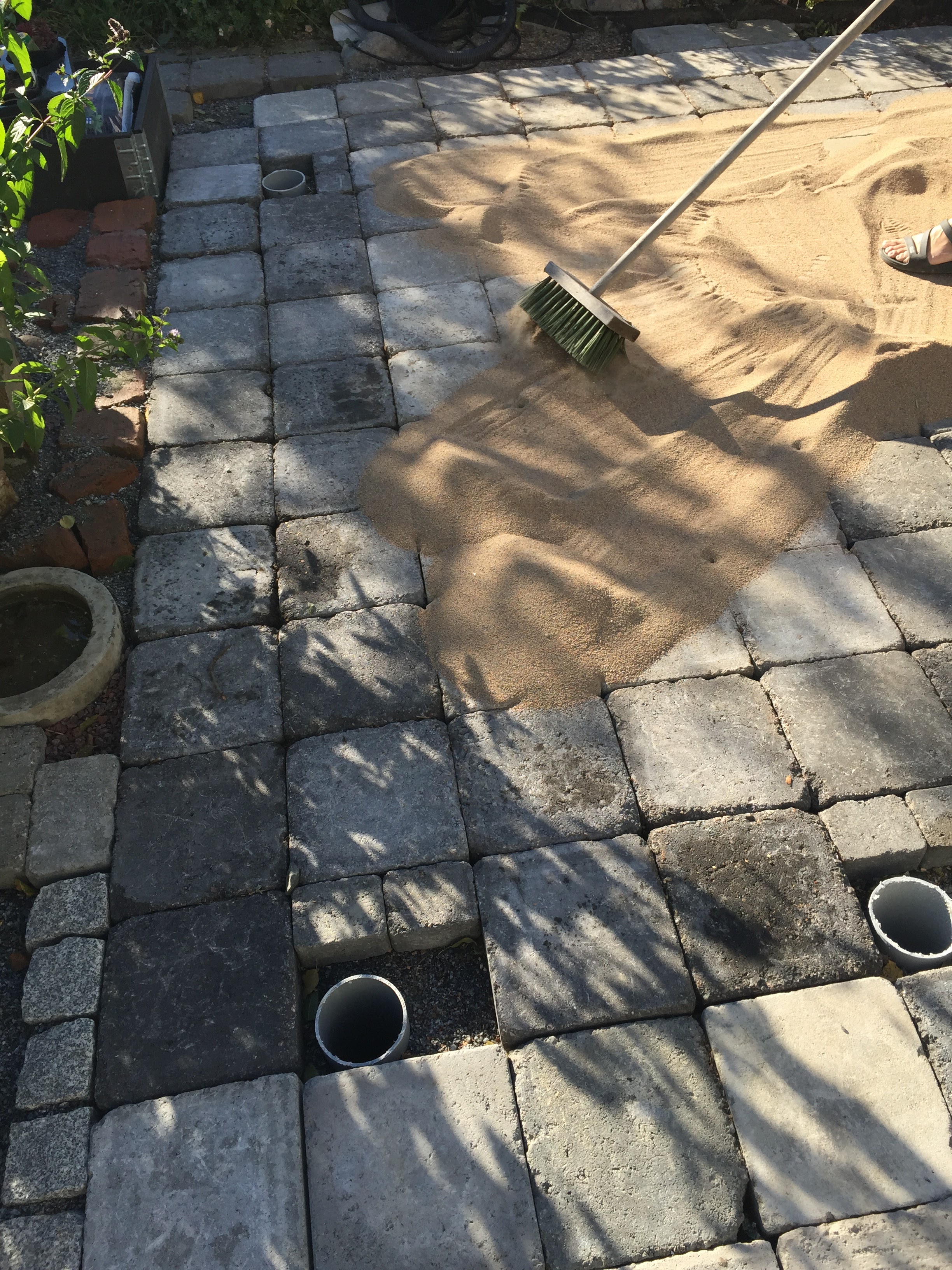
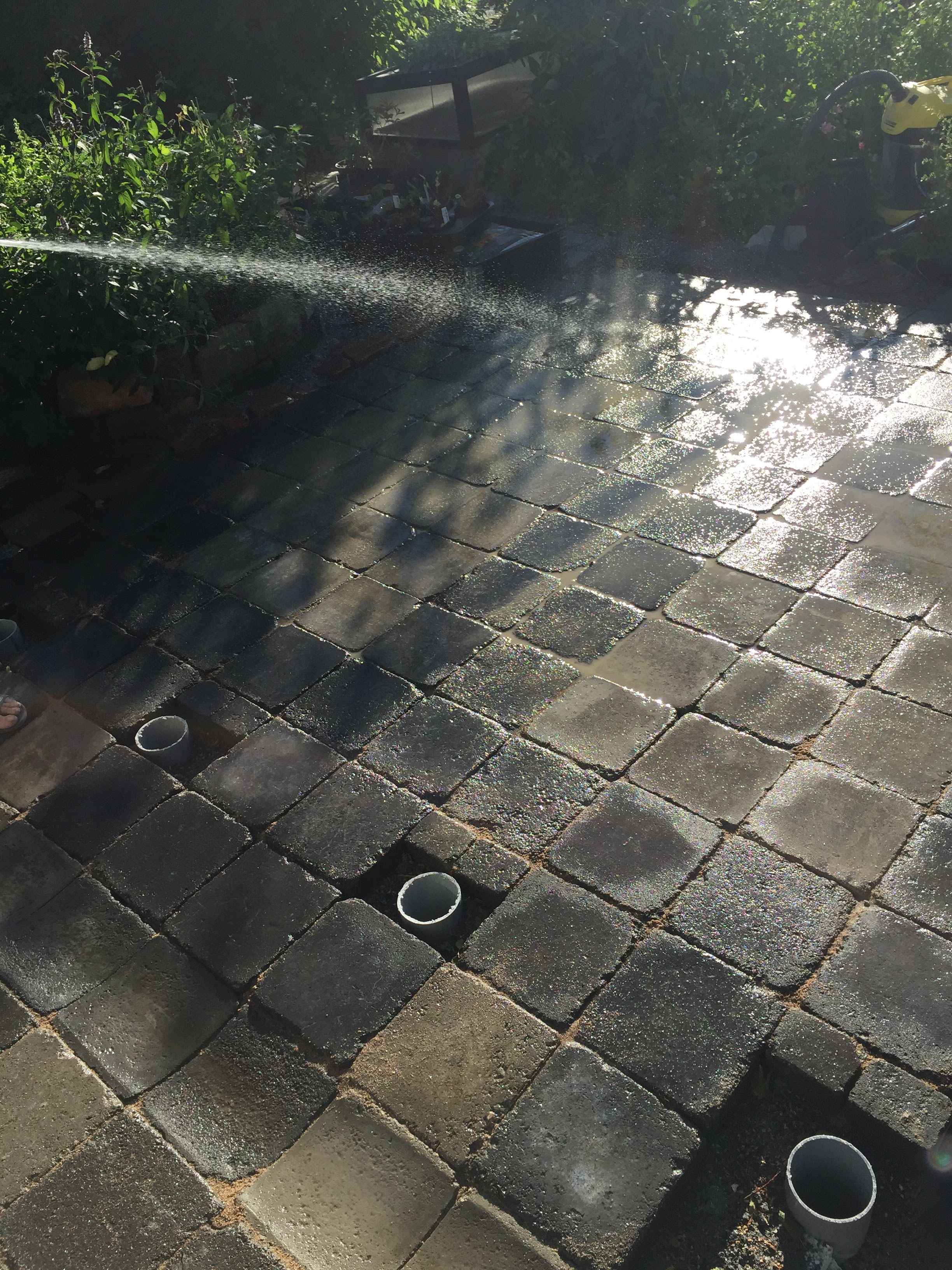
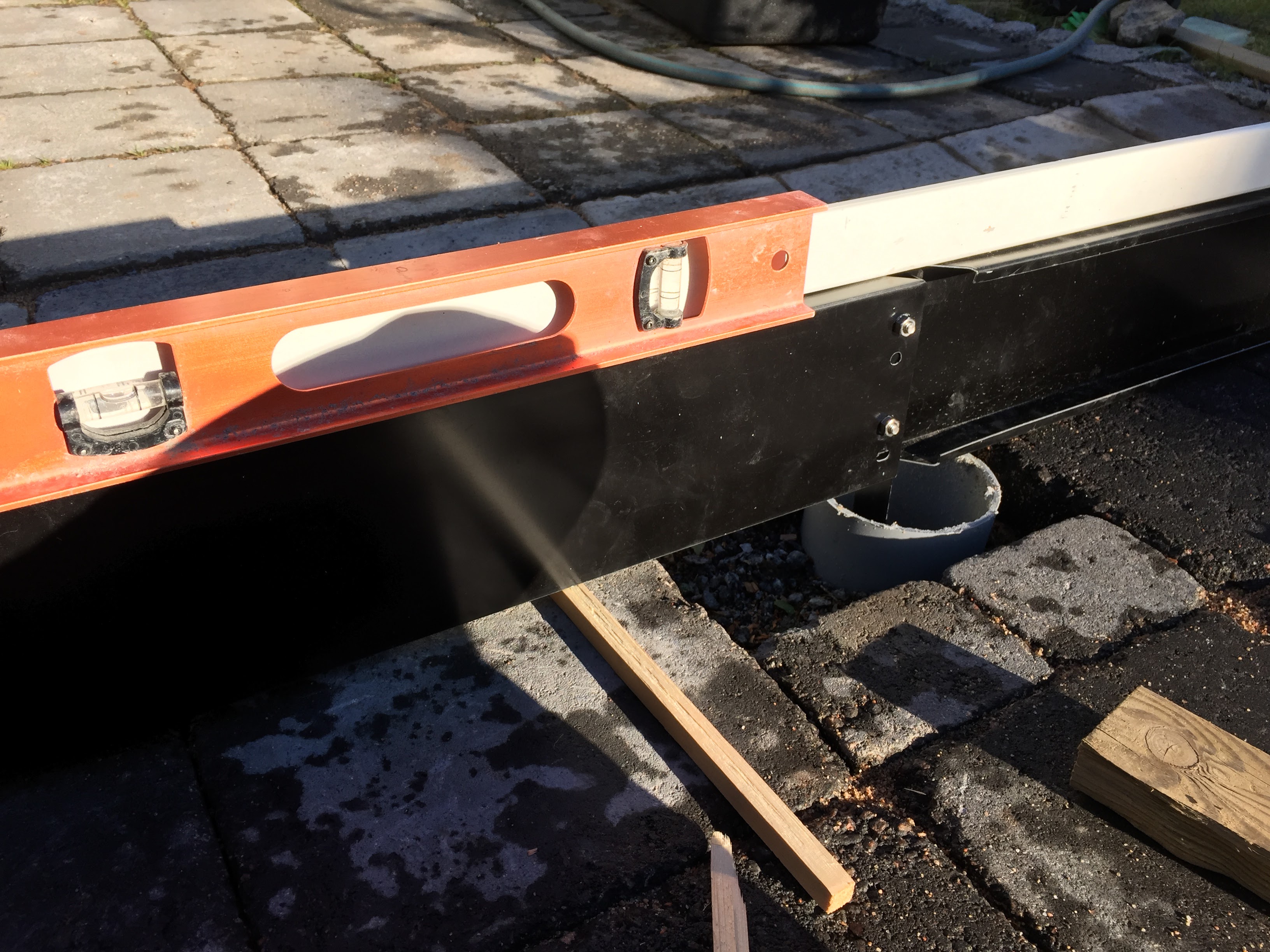
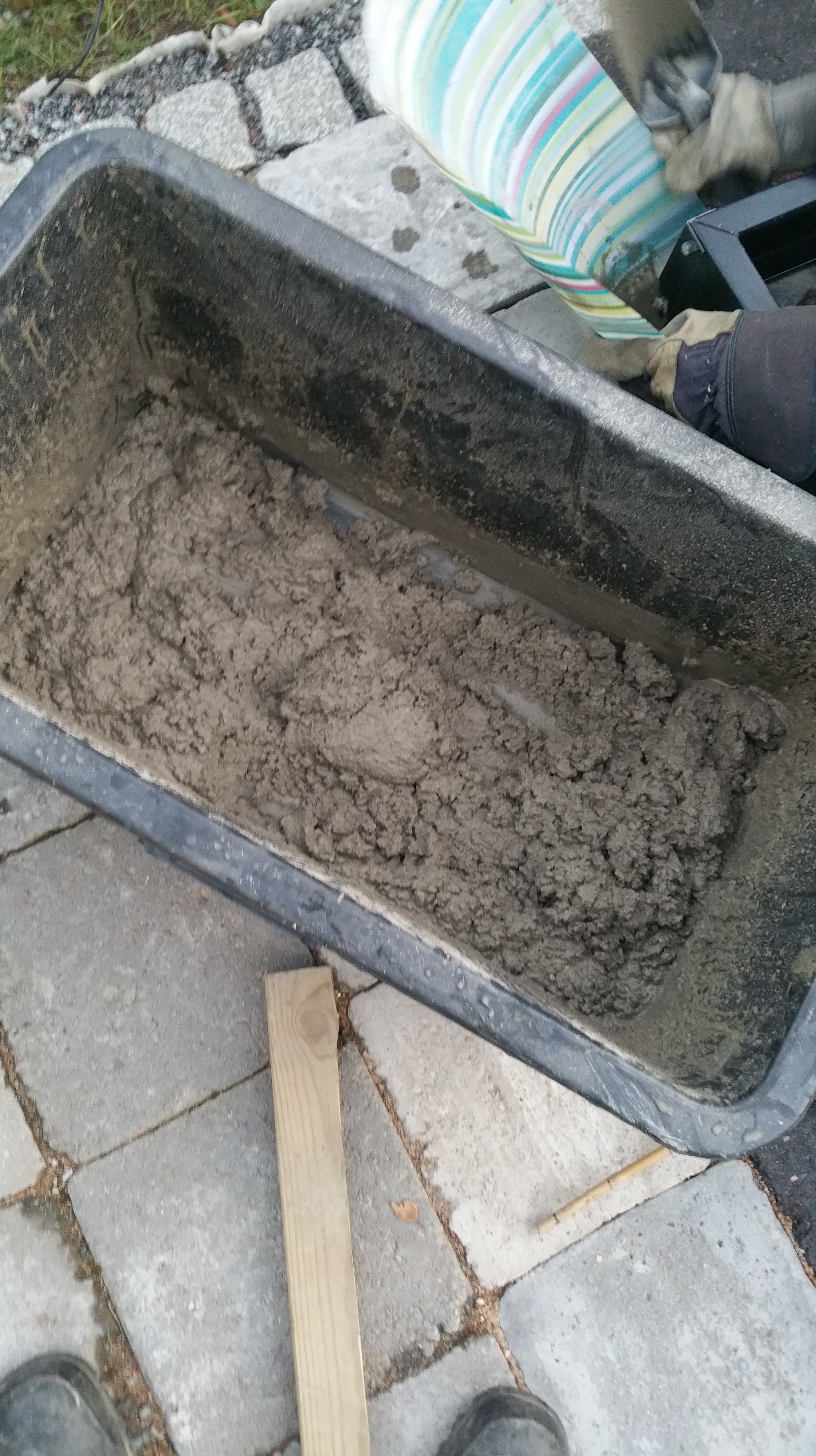
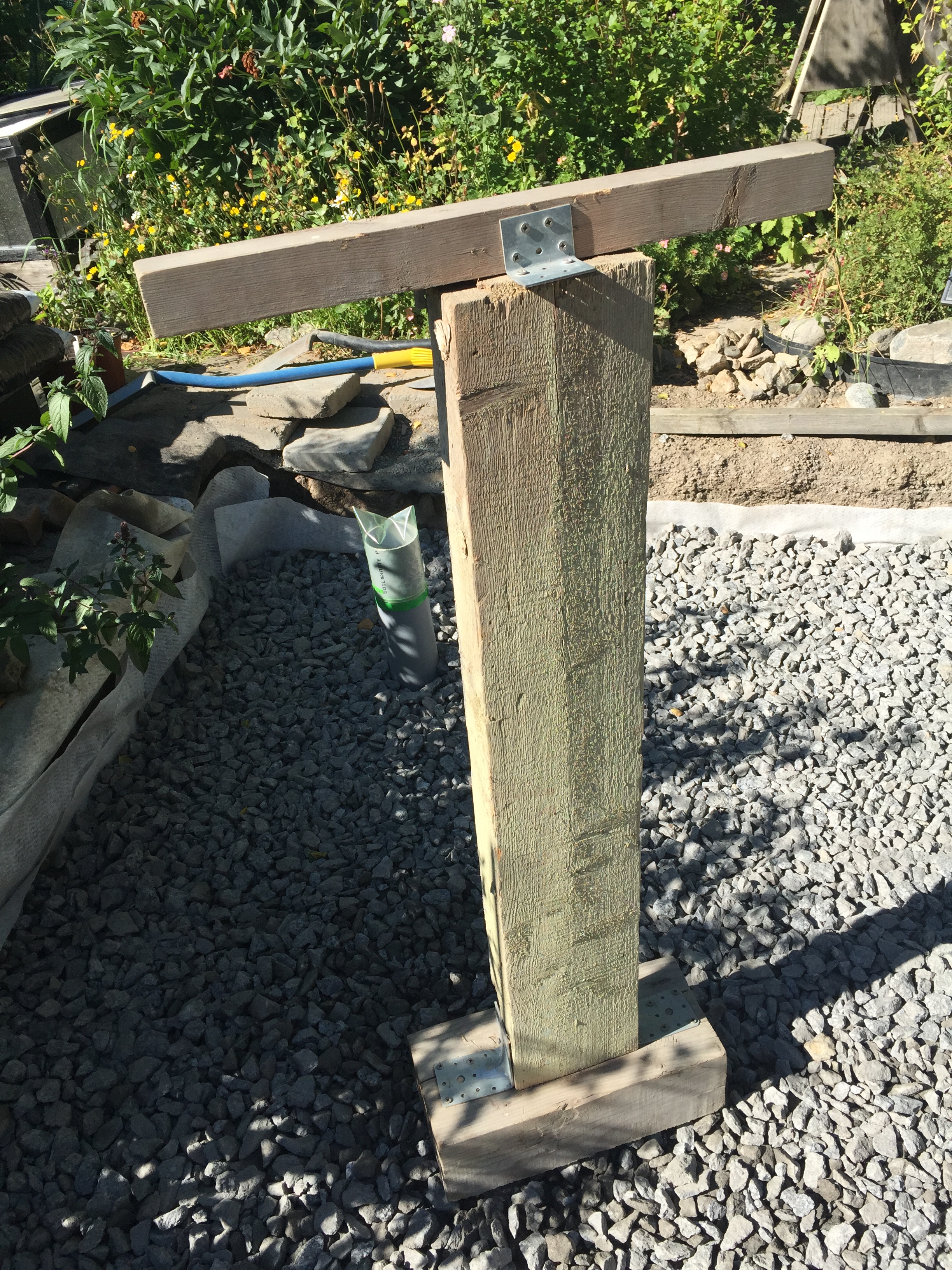
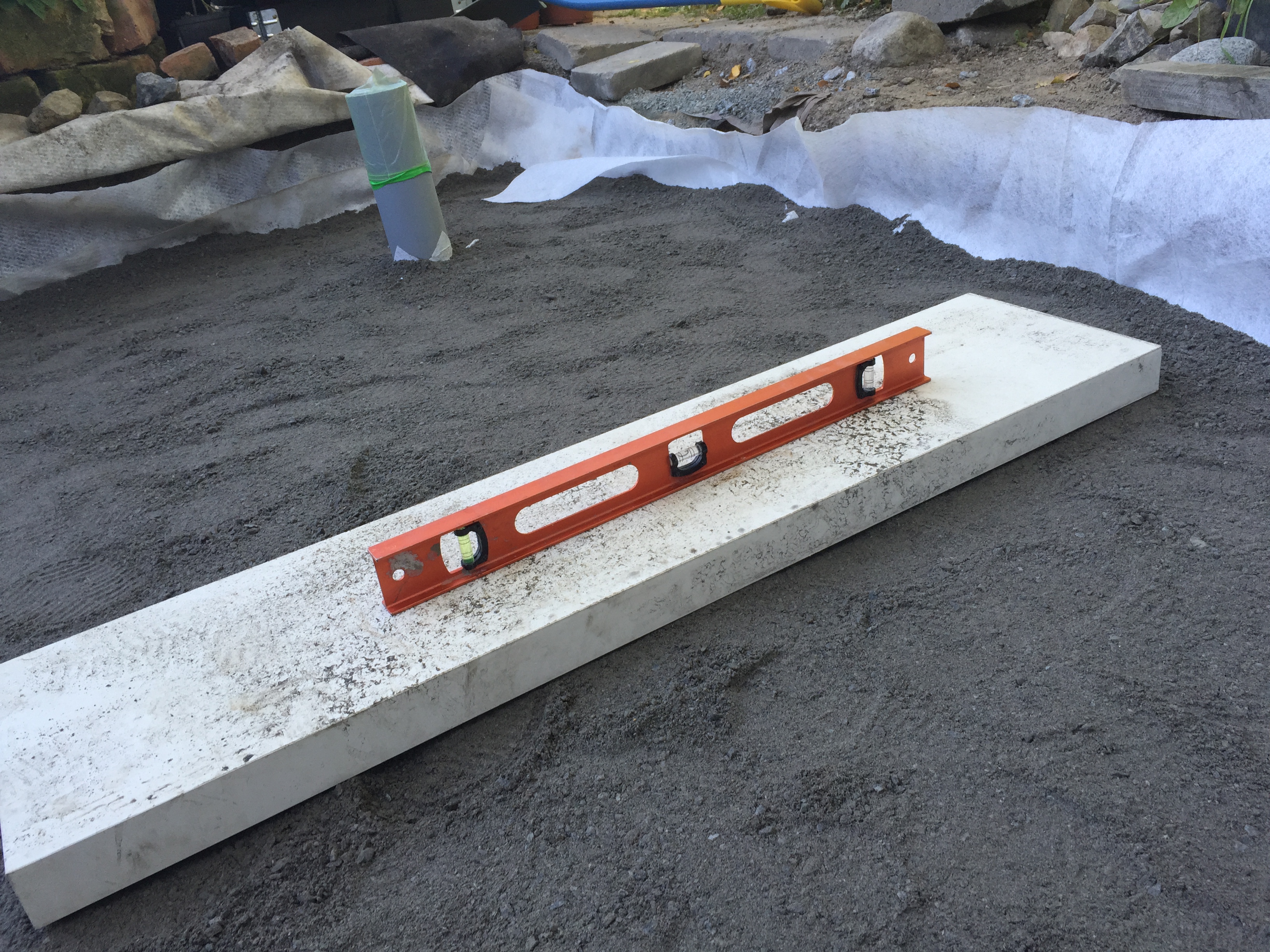
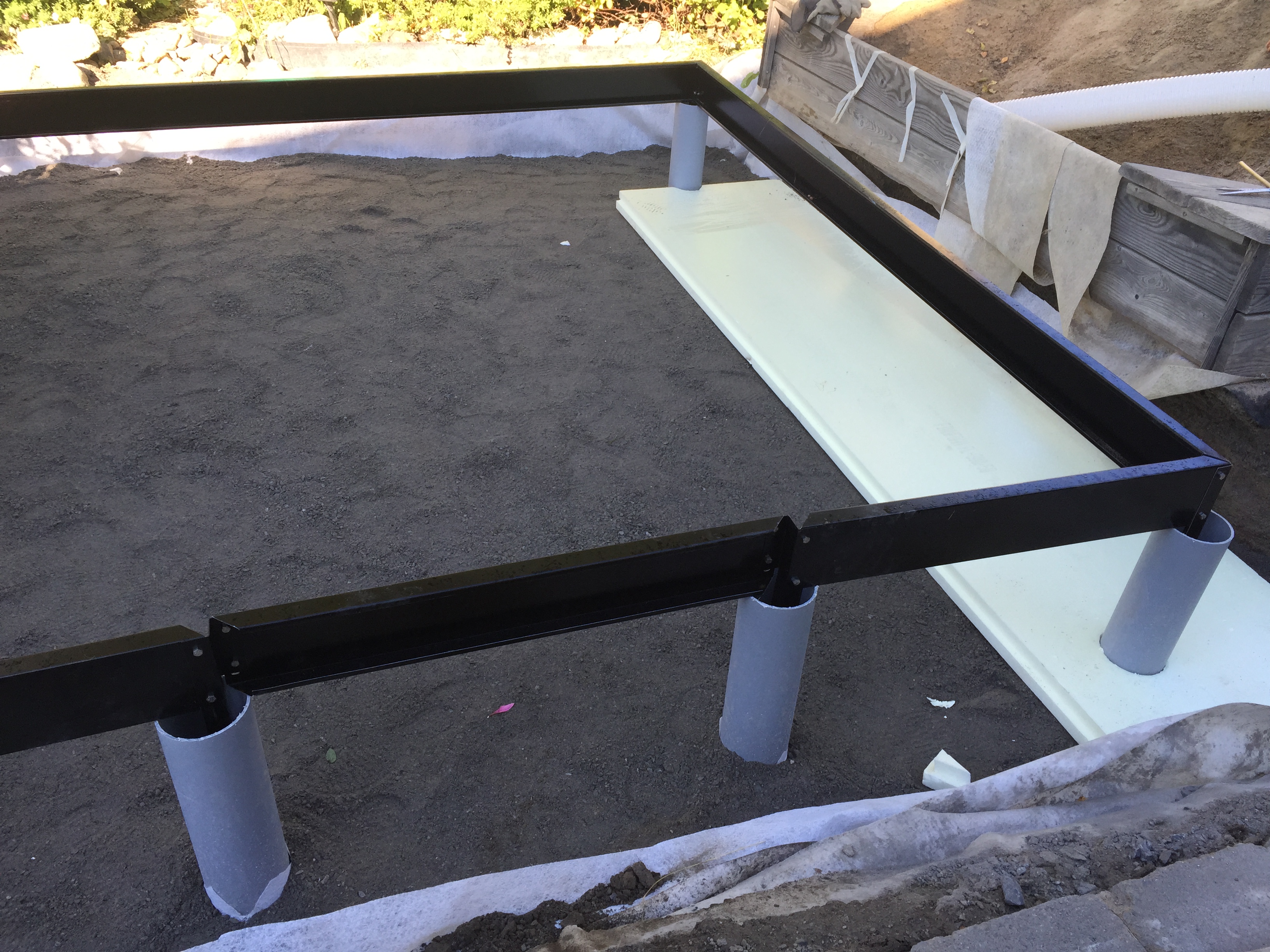
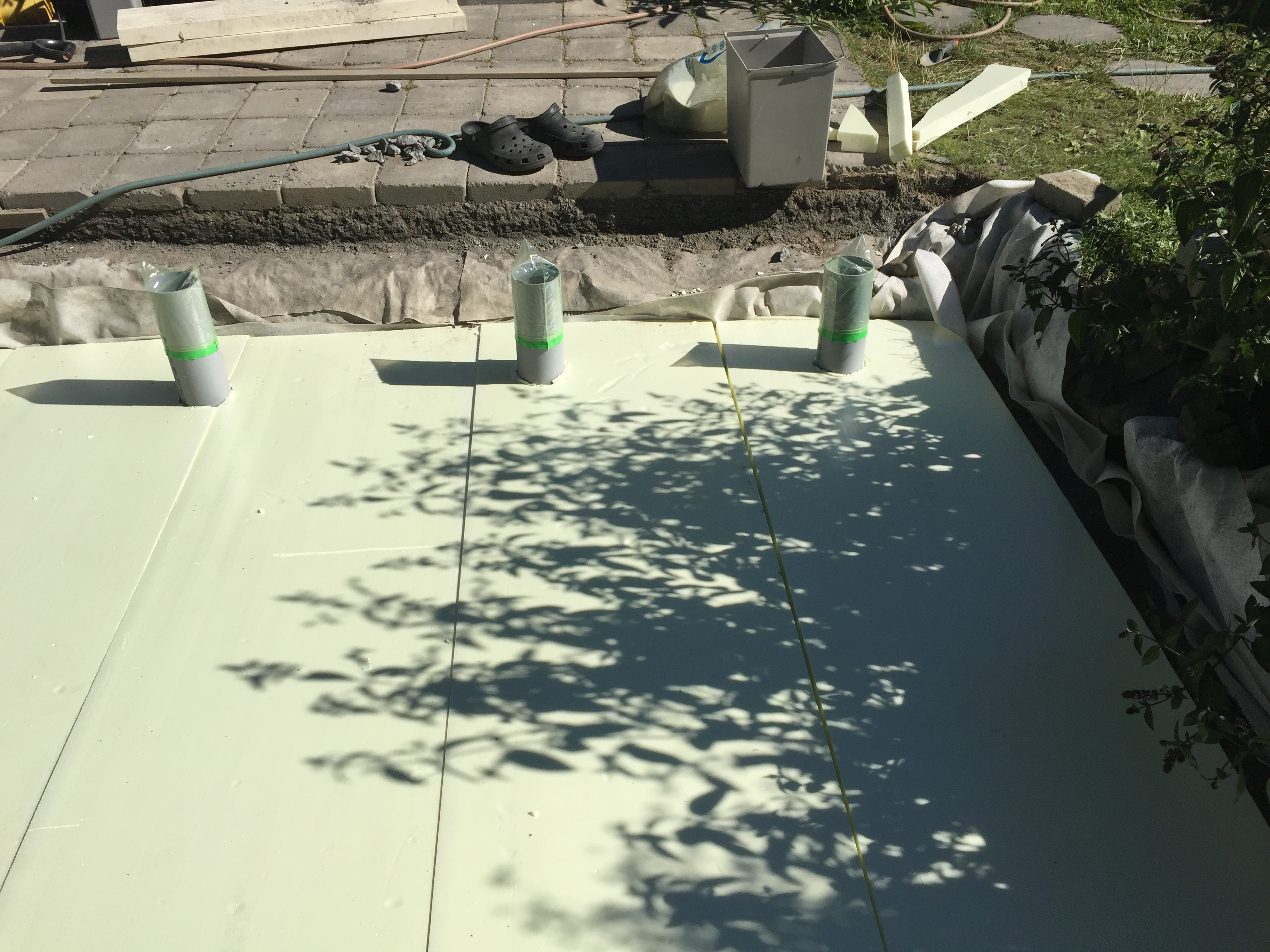
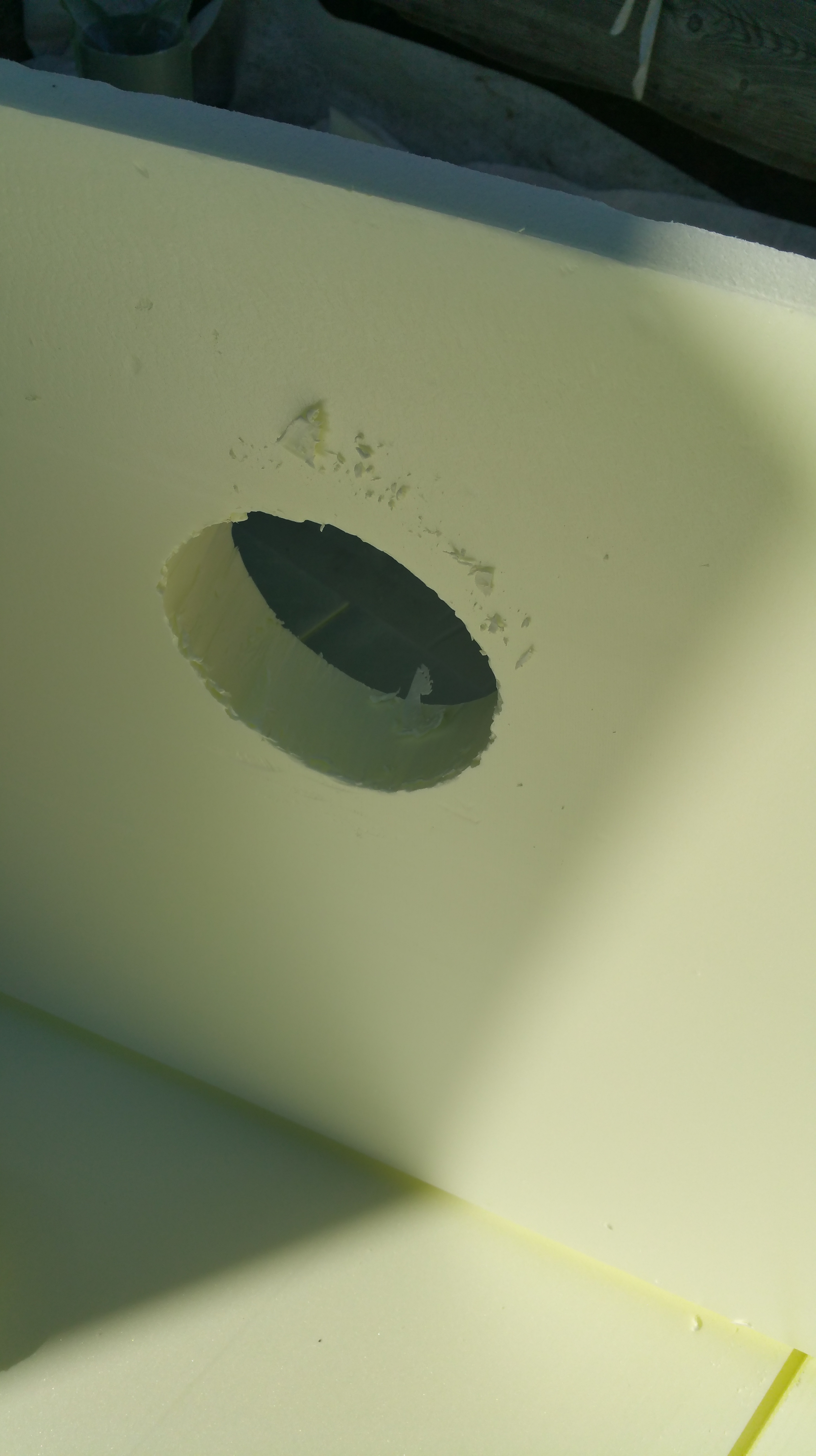
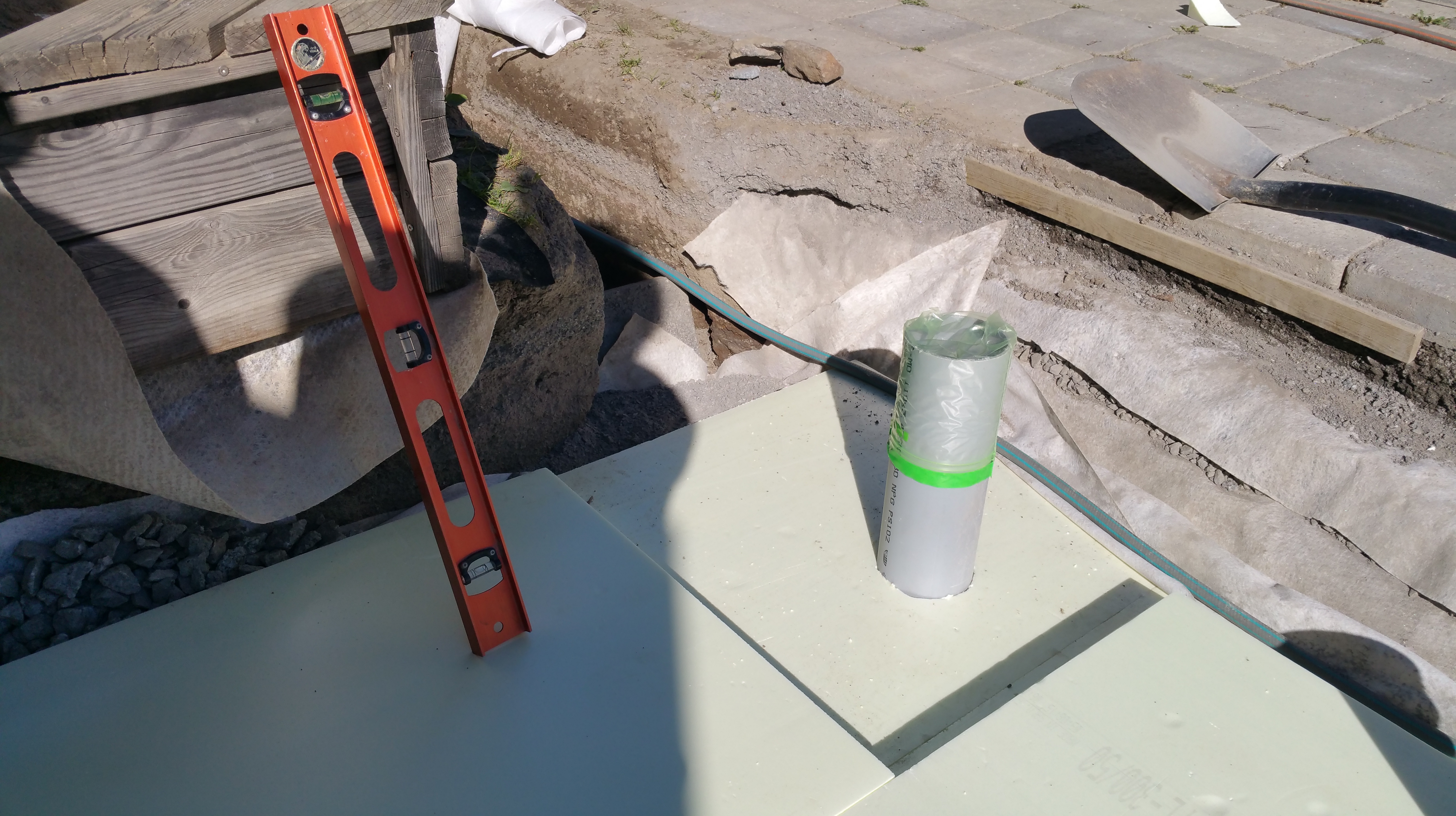
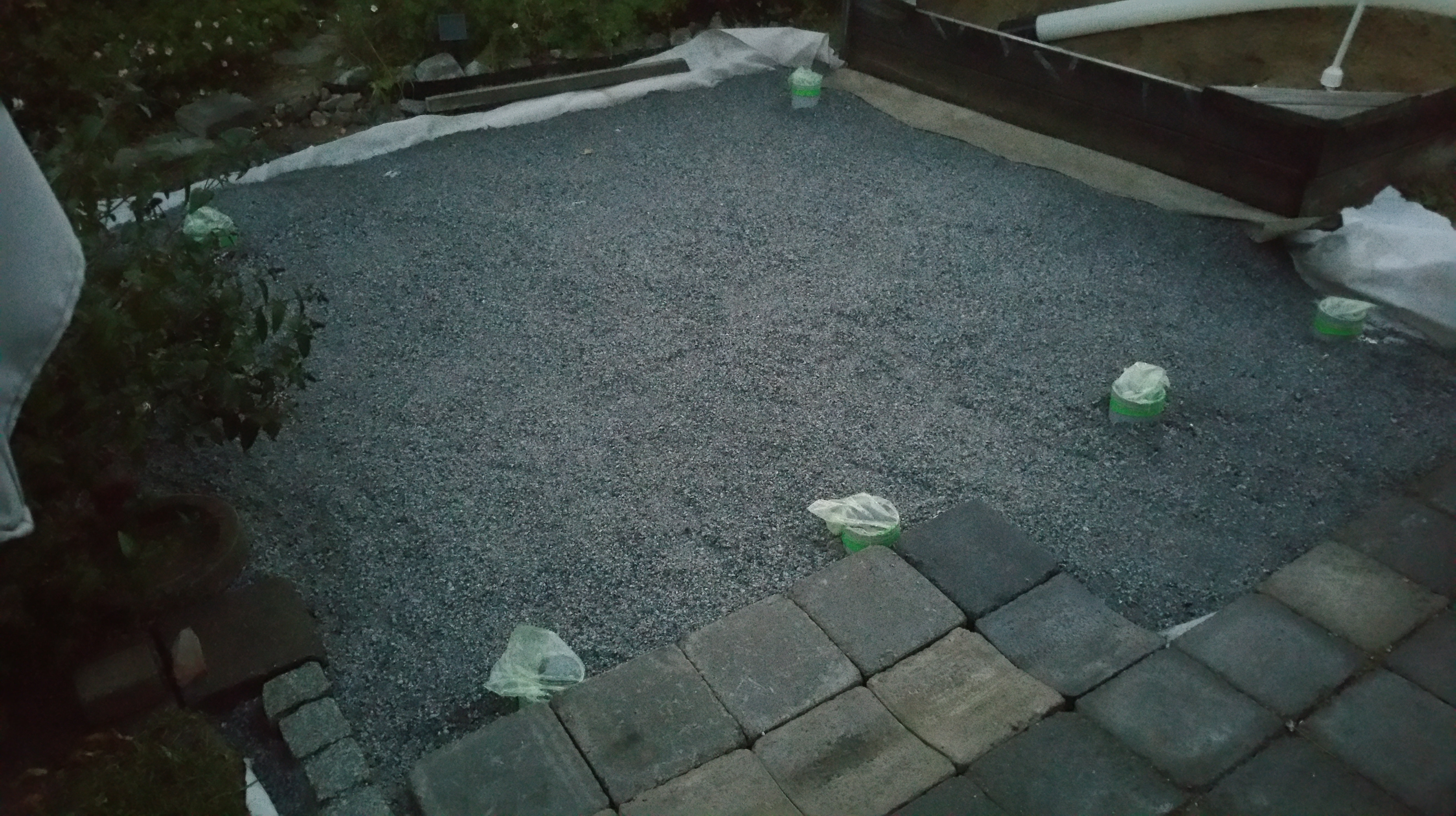
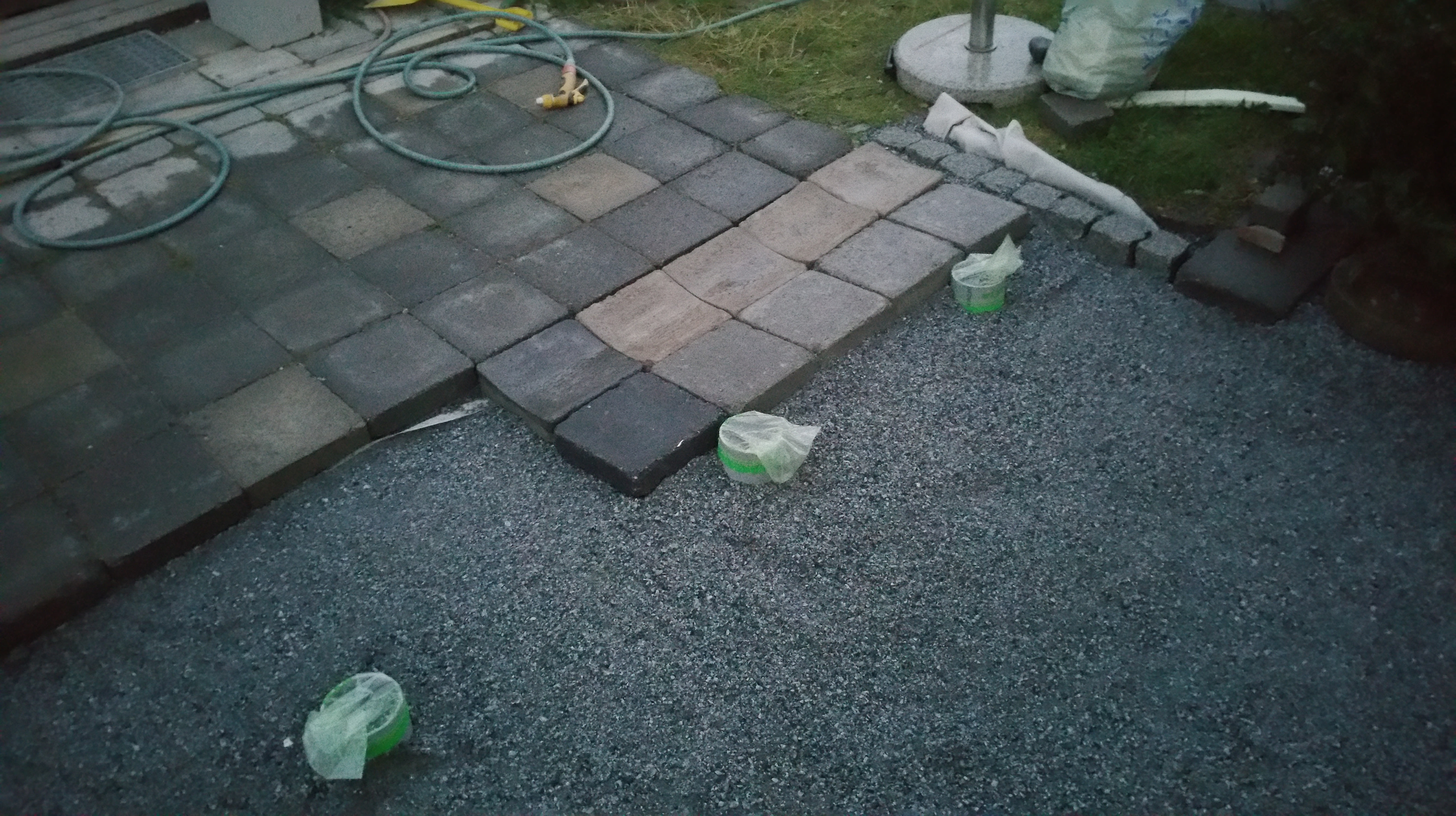
The foundations for the actual greenhouse are now ready, I think. The last steps in this phase included e.g.: using fine gravel and sand (“kivituhka”) to create a top layer that was at right angle and height to serve as the basis for concrete tiles that form the final top layer, supporting the steel plinth. My old heavy wooden ram (“juntta”) was again in use, manually banged down to compress the earth layers. (My academic hand muscles are not perhaps best suited for this kind of work, btw, I noticed the following day…) Before installation of the greenhouse plinth (the steel base), there was one important extra item to take care for, however. The greenhouse was being constructed near – almost underneath – a large old birch, which had already started to rot and drop branches. It was now the very last moment to say goodbye to her (cutting down a large tree later, with delicate glass house underneath, would had been much harder, or impossible). We hired a couple of professinal loggers come and cut the tree into pieces, and there was much work left also to us in sorting out branches (some the size and thickness of regular trees), twigs and leaves. After a full day of that lumberjack work, there was finally time to cast the concrete (oh yes, and a mixture of sand and mortar was brushed into gaps between tiles and dampened to fill them, as a final touch), but before that, the last round of measurements and fine-tuning was done to adjust and fix the steel plinth into the right positions. We had not managed to get all plastic pipes into same exact depth, and a Dremel tool was used to cut few millimeters away from the top of three of the protruding cast pipes. Bubble level was also much in use, and I also applied a couple of spanners to open all the corners of steel plinth, apply small wooden wedges underneath the plinth in a couple of places, and then fix them again, hopefully sealing everything into correct width and length measurements, while also keeping the entire construction at even level, using the bubble level tool. Then it was time to mix some concrete – a small power tool was used, but mostly manual blending (we did not have a proper concrete mixer). It was getting really dark at this point, but finally all the pipes were filled to the brim with concrete (there was beautiful full moon rising, I noticed, and the fireworks from Tampere Venetian Festivals were making popping noices somewhere far away). But: while the doing the control measurements we saw that while the X and Y directions were correct, the steel pinth was not direct – the thin steel bars were tilted (in Z, upwards direction)! It was pretty hard to solve the problem at this point, in dark and middle of the night. But the trick that did it was to loosen again all the nuts and bolts in the corners, move away the concrete tiles that we had used to support and fix the plinth into the right position, as some of them pressed the inner edges of the steel bars inwards so that all of them became tilted. Fixing all that required some fast action, as concrete was already slowly solidifying while all this was going on. While we managed to do all that, there was one measurement that I forgot to take. In the morning, I wanted to kick myself: the front part of Juliana’s steel plinth consists of three separate elements, and I had forgot to check that they were fixed so that the width of plinth in front was the same as the width of plinth at the back (there was room for adjusting the bolts in their elongated holes). We had carefully measured that the diagonals from corner to corner were identical, but forgot to measure that width of back and front were identical. And now all six steel pegs were fixed deep into concrete (with their tips bended, to prevent them from slipping ever out of concrete). Luckily, there was only c. 2 millimeter error between front and back, so the situation was finally not so bad. Hopefully the actual Juliana greenhouse construction has some adjustment room when the aluminium and glass parts will build and fixed on top of the steel plinth.

At this point, we could almost take a little break. But there was still some chainsaw work to do and log piles to build, before thunderstorms arrived to Tampere in the Sunday afternoon. So, maybe a bit later.

Greenhouse foundations construction work.
Greenhouse foundations construction work (flat sand base, with the heavy ram, 25-8-2015).
Greenhouse foundations construction work.
Greenhouse foundations construction work (flat sands, with the heavy ram, 25-8-2015).
Greenhouse foundations construction work.
Greenhouse foundations construction work (looks nice now, all tiles set, 25-8-2015).
Greenhouse foundations construction work.
Greenhouse foundations construction work (setting the steel plinth, 29-8-2015).
Greenhouse foundations construction work.
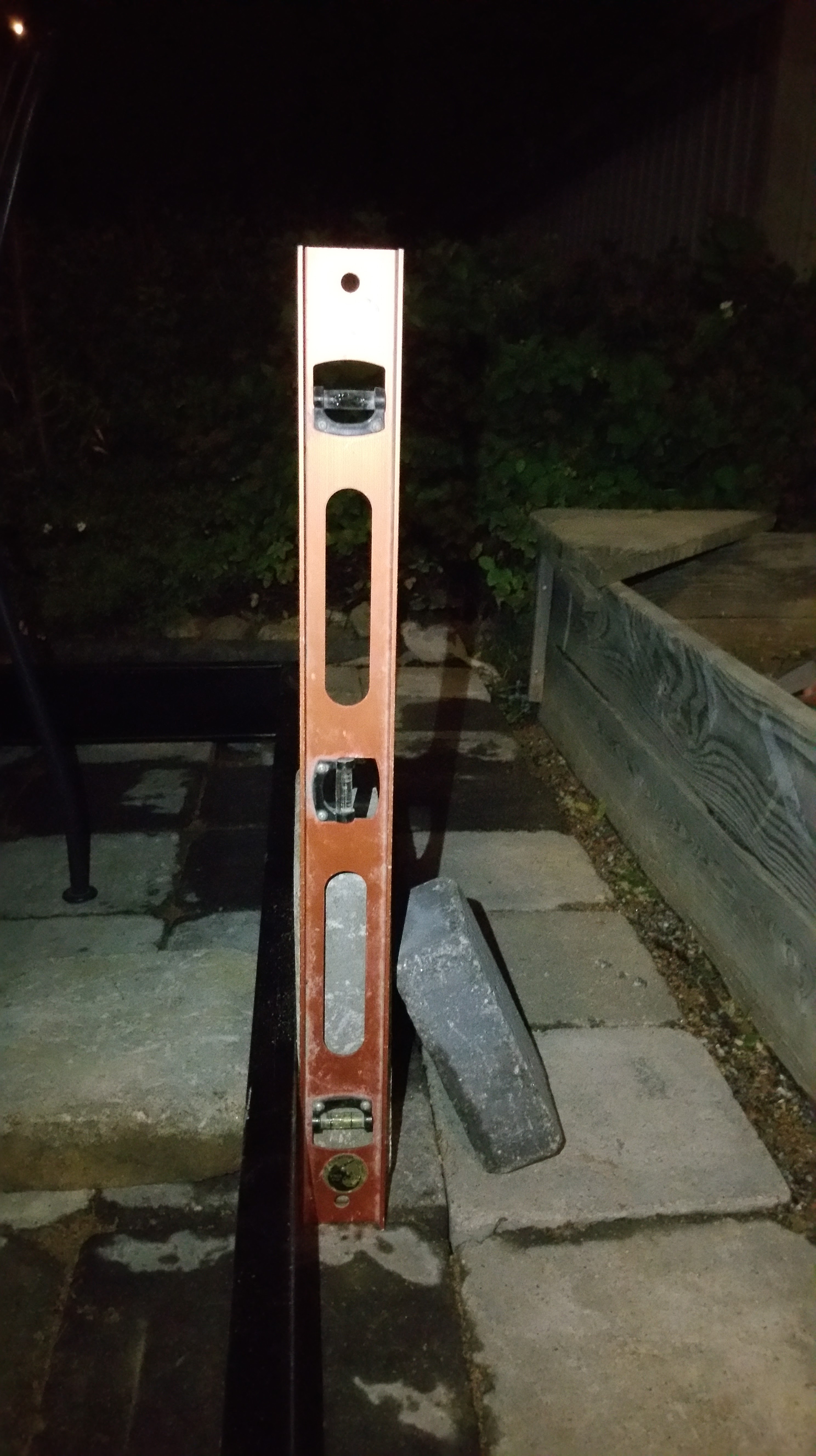
Greenhouse foundations construction work (using bubble level, 29-8-2015).
Greenhouse foundations construction work.
Greenhouse foundations construction work (bending the tips of steel bars, 29-8-2015).
Greenhouse foundations construction work.
Greenhouse foundations construction work (filling the tile gaps with mortar and sand, 29-8-2015).
Greenhouse foundations construction work.
Greenhouse foundations construction work (dampening mortar and sand, 29-8-2015).
Greenhouse foundations construction work.
Greenhouse foundations construction work (fixing steel plinth at right level and position, using wooden wedges, 29-8-2015).
Greenhouse foundations construction work.
Greenhouse foundations construction work (adjusting and fixing nuts and bolts, 29-8-2015).
Greenhouse foundations construction work.
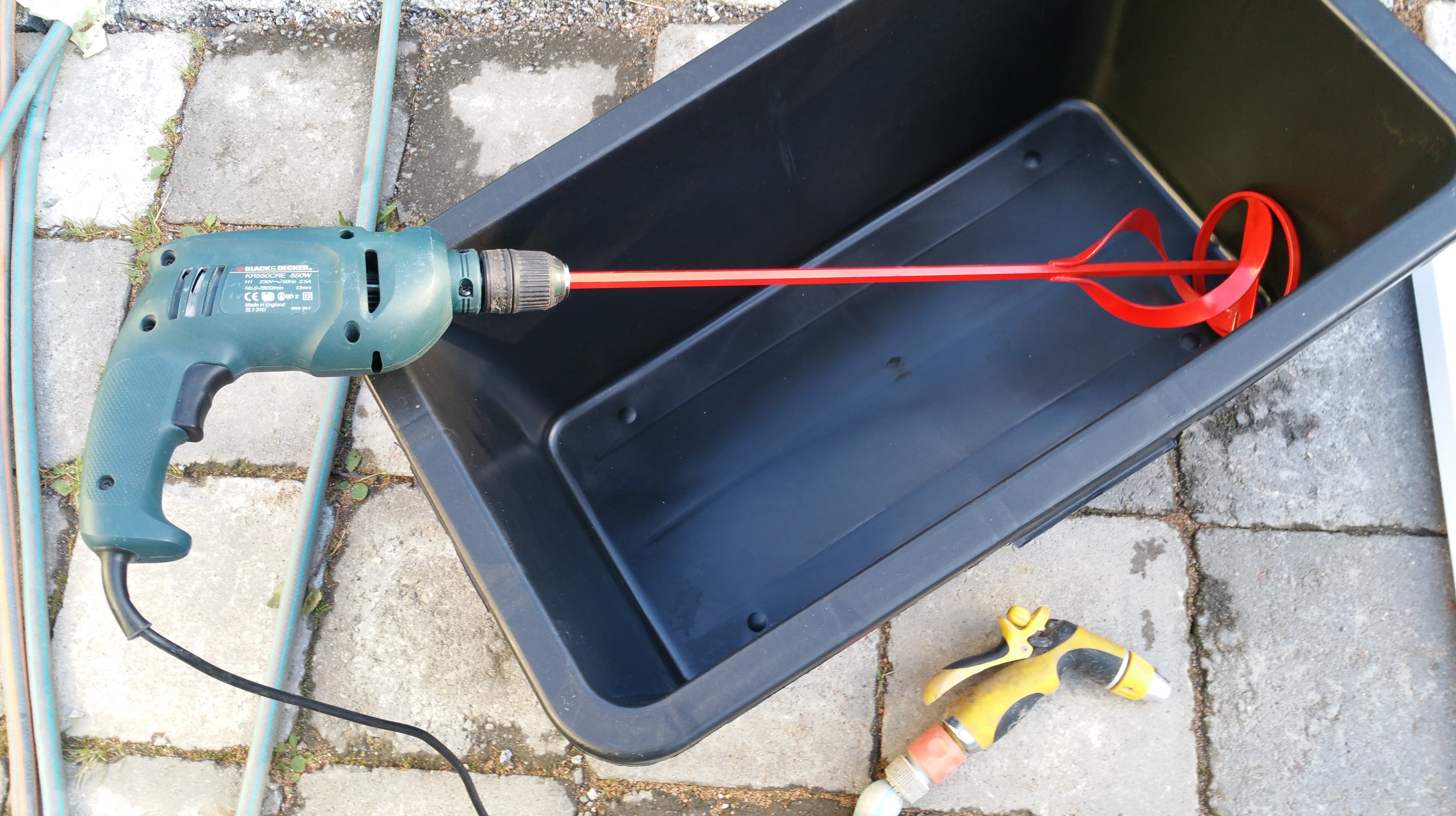
Greenhouse foundations construction work (setting my electric drill to act as concrete mixer, 29-8-2015).
Greenhouse foundations construction work.
Greenhouse foundations construction work (everything ready for casting the concrete? 29-8-2015).
Greenhouse foundations construction work.
Greenhouse foundations construction work (dropping concrete into the plastic pipes, 29-8-2015).
Greenhouse foundations construction work.
Greenhouse foundations construction work (midnight. Still applying concrete, 29-30-8-2015).
Greenhouse foundations construction work.
Greenhouse foundations construction work (realizing that all walls are tilted, frantic measures to fix this, 29-30-8-2015).
Greenhouse foundations construction work.
Greenhouse foundations construction work (foundations finally ready? Control measurements, waiting for the concrete to harden, 30-8-2015).
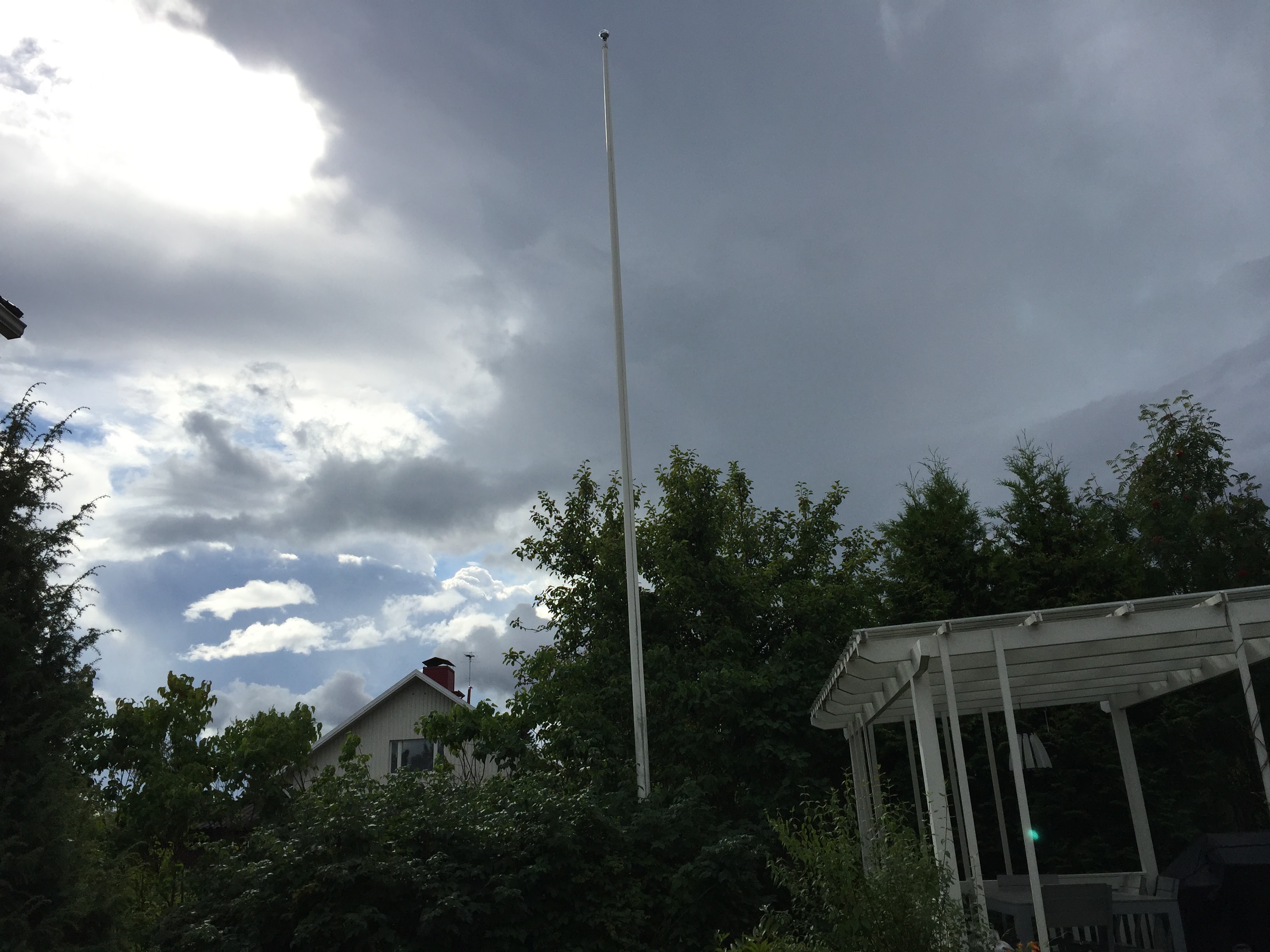
Thunderstorm coming (30-8-2015).

Building a greenhouse, pt. 2

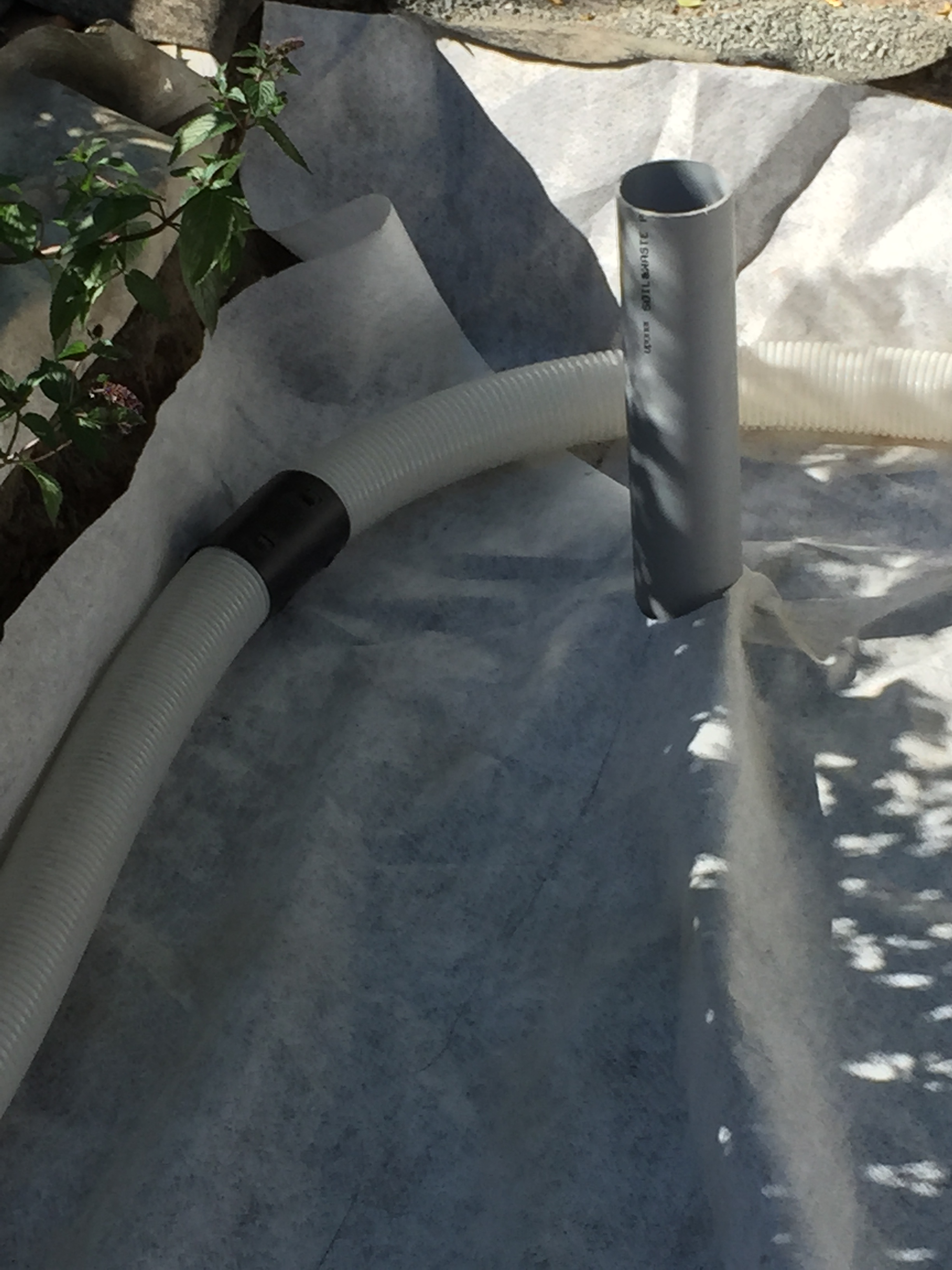
The method of building the foundation for our greenhouse has proved to be a bit more demanding than perhaps some others – hopefully the final outcome will be worth the extra labour. The tricky part is casting concrete into long pipes, that go down into 80 cm depth – i.e. beneath the soil frost line. These concrete pipes, or pillars, need to be cast so that the the steel plinth (base) that will provide the basis for the actual greenhouse will be exactly square shaped in horizontal X & Y directions, while simultaneously also exactly at right even level (Z) so that there will be no tensions into the glasses of the finished greenhouse. The actual freezing protection will be provided by several layers of gravel and sand, separated by filter fabric layers, plus a couple of layers of Finnfoam (extruded polystyrene foam – XPS – thermal insulation). The tricky part is that those pipes I mentioned need to go through all of those other layers, and they need to be made and fixed in pretty much their correct, final positions first, before any other elements of this foundation have yet been built. From the photos underneath you might get an idea how our ambitions have met with the reality so far.

Oh, and did I forget to mention that there of course need to be also underground drain pipes, so that all rain water will not turn that big hole in the clay earth into a swimming pool? And that those pipes need to be installed at the right angle of bank.

Greenhouse foundation work (2015-08-16)
Greenhouse foundation work (2015-08-16).
Greenhouse foundation work (2015-08-16)
Greenhouse foundation work (2015-08-16).
Greenhouse foundation work (2015-08-16)
Greenhouse foundation work (2015-08-16).
Greenhouse foundation work (2015-08-19)
Greenhouse foundation work (2015-08-19).
Greenhouse foundation work (2015-08-22)
Greenhouse foundation work (2015-08-22).
Greenhouse foundation work (2015-08-22)
Greenhouse foundation work (2015-08-22).
Greenhouse foundation work (2015-08-23)
Greenhouse foundation work (2015-08-23).
Greenhouse foundation work (2015-08-23)
Greenhouse foundation work (2015-08-23).
Greenhouse foundation work (2015-08-23)
Greenhouse foundation work (2015-08-23).
Greenhouse foundation work (2015-08-23)
Greenhouse foundation work (2015-08-23).
Greenhouse foundation work (2015-08-23)
Greenhouse foundation work (2015-08-23).
Greenhouse foundation work (2015-08-23)
Greenhouse foundation work (2015-08-23).
Greenhouse foundation work (2015-08-23)
Greenhouse foundation work (2015-08-23).
Greenhouse foundation work (2015-08-23)
Greenhouse foundation work (2015-08-23).
Greenhouse foundation work (2015-08-23)
Greenhouse foundation work (2015-08-23).
Greenhouse foundation work (2015-08-23)
Greenhouse foundation work (2015-08-23).

Building a greenhouse, pt. 1

Digging in the dirt (photo).
Digging in the dirt.

The building project of this summer has been to make a greenhouse – for my chilli peppers, as well as other vegetables for the family. Construction of proper foundation for a rather sensitive small building that will mostly consist of sheets of glass and thin bars of aluminium is important; however, July was mostly rainy and we also were travelling a lot, so most of the digging was still to be done in early August. Now, in mid-August, the hole in the ground is almost deep enough (in Finland earth can freeze in quite deep during winters, and our garden is on top of several meters of clay, which expands when it freezes; thus – a lot of showel-work). Since our backyard is a bit on the small side, there was a narrow spot where the entire construction had to fit into. But the hole is now there. Have I mentioned that going down into solid clay is somewhat heavy digging?

In other news, our pick for the greenhouse kit manufacturer was Juliana: http://juliana.com/en/products/juliana/

I have also already got the watering system (that I have also already used during our travels for my chillies), from Blumat.

Next steps will probably involve some concrete and a lot of gravel. And a shovel and a wheelbarrow.

Some filter fabric (photo).
Some filter fabric.

(To be continued.)

Price for mobile use value: laptops

Chromebook 2 on scale.
Toshiba Chromebook 2 on scale.

I did a quick comparison of three kinds of laptops: a touchscreen Win8-PC, Macbook Pro, and a Chromebook. Since I am primarily interested in how much use time I get, for which price, and how much weight I need to carry around, here is a simple metric for the price of such “mobile use value” of a laptop. ASUS Vivobook X202E (500 €) = 1,5 kg, MacBook Pro Retina 13 (1300 €) = 2.2 kg, Toshiba Chromebook 2 Full HD/IPS (400 €) = 1,5 kg (all weights with the powerbrick included, my Mac is also protected by a Tech21 case). Vivobook’s battery runs out in c. 3-4 hours, Toshiba should go for 8 hours, and the Mac can do perhaps 9-11 hours (this is the late 2013 model). The “metric” for price/hours*weight comparison would thus be:

  • ASUS Vivobook: 500/4*1,5 = 188
  • Macbook Pro: 1300/10*2,2 = 286
  • Toshiba Chromebook 2: 400/8*1,5 = 75

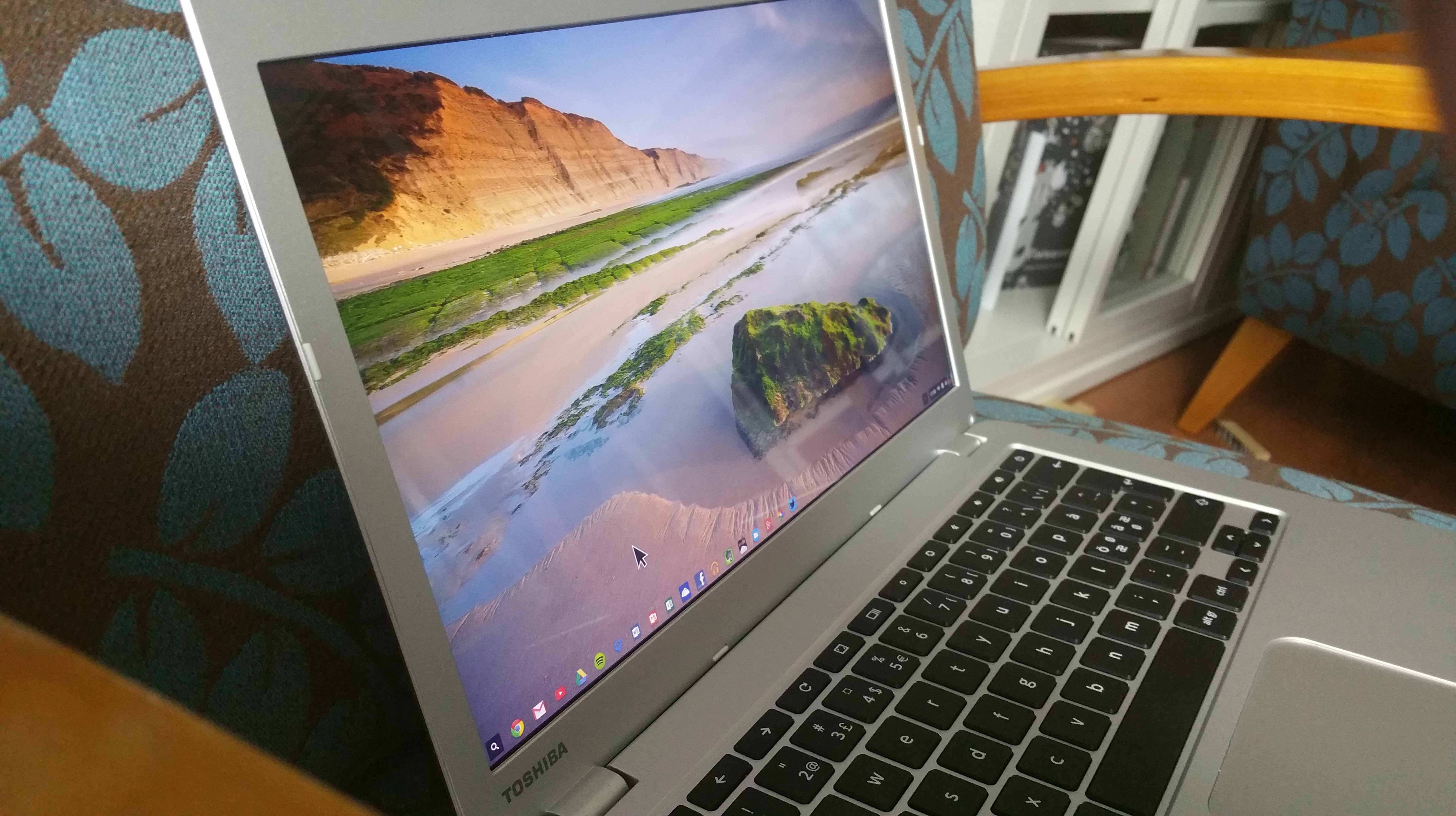
Your needs may vary, but with these criteria of mine, Toshiba Chromebook 2 is pretty much in its own class regarding this kind of mobile use value (light-weight, capable laptop with adequate battery life and moderate price). Chrome OS is mostly limited by its reliance on various online services, and particularly on daily work, moving data and files from one service to another may require some extra steps, but in my tests, almost everything that needs to be done, can be done also with a Chromebook. And the totally silent, solid laptop with good keyboard, responsive touchpad and amazing, Full-HD IPS screen provides excellent user experience. MacBook Pro is much more premium device, but with its price-tag I feel less confident throwing it into my back while running into bus/airport etc. (hence, the Tech21 case). A Chromebook can even be lost on the road – and all data is still safe in the cloud, not in the laptop. (The “Smart Lock” of Chromebook detects when myself/my Android phone is not nearby, and will automatically lock itself.) A budget Windows laptop like my old ASUS Vivobook simply cannot compete here, it is much slower than either of the two others, its touchpad is pretty terrible and touchscreen use of Win8.1 has its continuous challenges. Add there mediocre battery life, and you do not have best value for mobile use.

Toshiba Chromebook 2.
Toshiba Chromebook 2 (viewing angles, from the sides).

One could of course add tablet devices like iPad Air 2 or the forthcoming Surface Pro 4 into the equation here, and argue that they’d make more sense than a Chromebook – even according to the above metric. That might be true for some, but in my use I rely on the classic “clamshell” design of a laptop, and an add-on keyboard is never the same. MacBook Air, or the new 12″ MacBook are very good devices for mobile use, but the price is not in the Chromebook range. But: everyone makes their own decisions, in the end. My guess is that particularly in the education sector Chromebooks will do increasingly well in this new era of “Cloud Computing”.

DiGRA 2015

The next major DiGRA conference to take place in European soil will start tomorrow in Lüneburg, Germany. There are several interesting dimensions to this year’s event, including its chosen theme on “Diversity of Play” and the research papers that highlight the multiple phenomena that bound together games, cultures and identities (sometimes in problematic, as well as constructive ways). Myself, I will be e.g. celebrating the original Level Up conference (2003; see the re-opened website), chairing the “From Game Studies to Studies of Play in Society” panel (related to our “Ludification and the Emergence of Playful Culture” research project), and talking about Finnish games and game cultures in the “Video Games Around the World” session (based on a new book of the same title). See you soon in Germany! The conference program is here: http://projects.digital-cultures.net/digra2015/files/2015/05/digra_program_final150504.pdf.